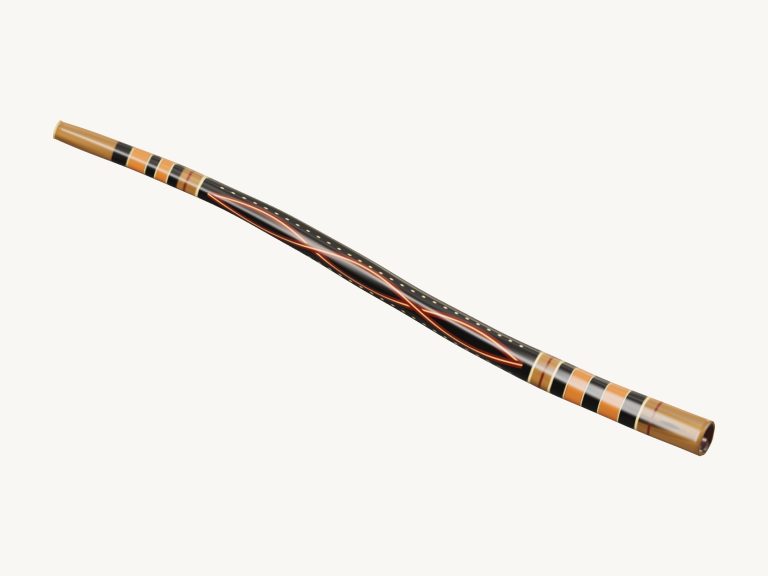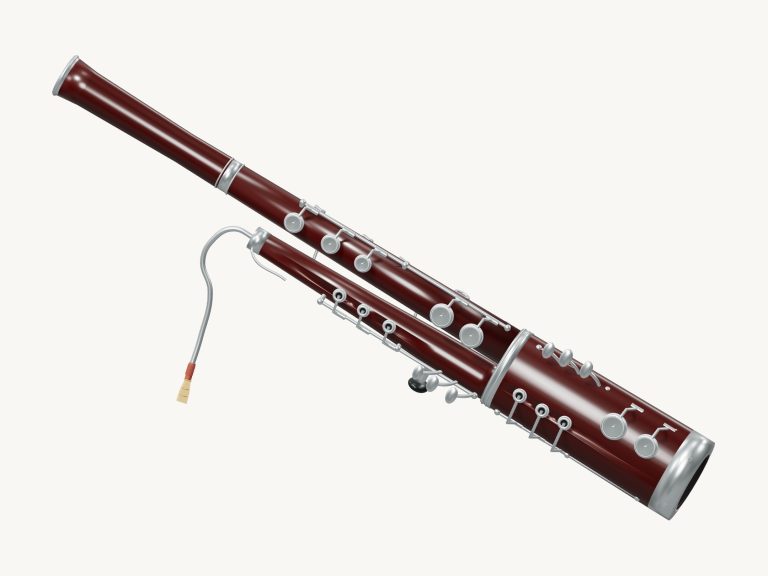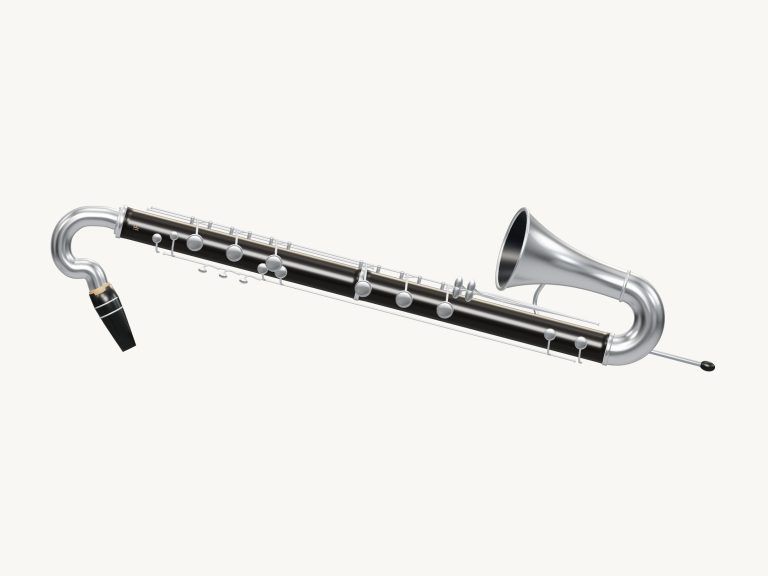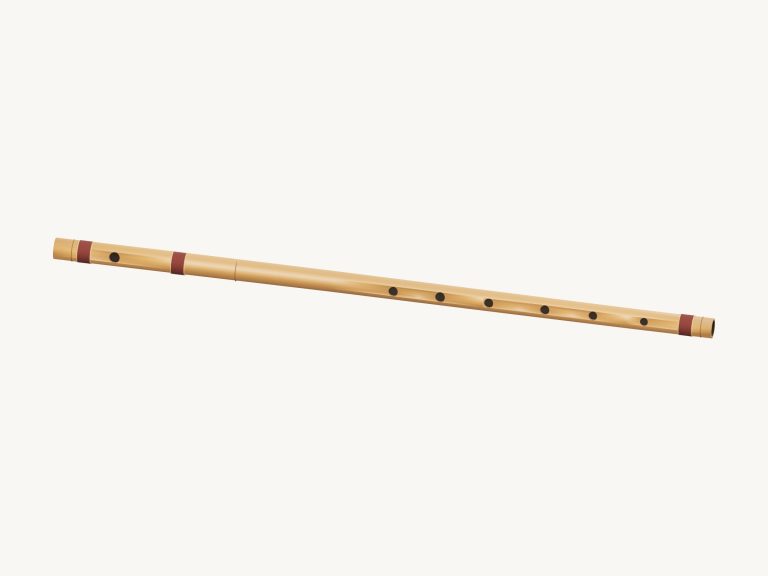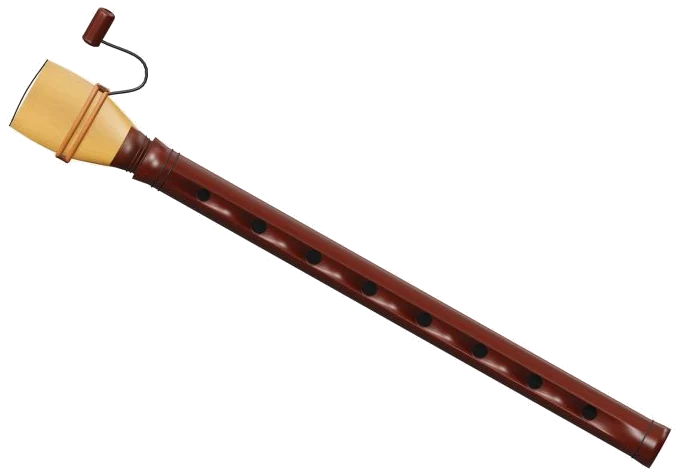
It is an online virtual duduk. You can play a double-reed duduk online in this virtual instrument that requires no downloads or installation at all. Described as being made of Armenian apricot wood with a double reed, the duduk on display is a 3D model, which you are able to zoom in on and turn around to view both the body and the flattened cane reed. It doesn’t use an electronic tone but a real recording of a duduk for the sound.
There’s no installation or downloads required; just play with your computer keyboard, with your fingers if you have a tablet or phone, or even with a mouse. No need to search for a start button. Pressing a note turns the sound on.
How to Play the Virtual Duduk
When the recording is ready, the text at the base of the widget switches from Tap the instrument or use your keyboard to Recorded instrument sound. Clicking on the question mark in the top corner reveals a brief guide along with the sound credits.
Nine note pads (A3, B3, C4, D4, E4, F4, G4, A4, and B4) is below the model. Like a simple scale they rise step by step. Tap on the pad for a short note or hold it down to keep a note sounding. Alternatively, you can play the 3D duduk itself. Each of the nine notes has a touch spot. Touching a spot sounds its note.
The nine notes are played in sequence from A3 on A through to B4 on Y on a computer keyboard. Each pad displays the letter it plays. There is also a space for the duduk with its own frame on the page. Click into this frame first, then begin to play from the keyboard.
As you can see from the picture above, PLAYING sits below the note you have just played with the word next to it in the bar. If you press the Play button (Space bar) then that note will sound until you release it. As long as Hold breath is on, touching another letter, spot, or pad will change the note but keep the sound playing. That’s how you get to play long flowing lines easy. To turn it off, tap Hold breath again. You can also use the Esc key or ■ Stop button to mute all at once.
How hard do you want it played? That’s controlled by the Expression slider from 10 to 100. The higher the setting, the louder it sounds. You can also move the slider up or down while playing a note and it changes it instantly, nice for swells into long notes.
There are three presets that control the tone. Natural is the default, Soft is a bit darker and has a little more room, and Resonant adds the biggest echo. Each preset moves the Room slider for you. The Room slider goes from 0 to 50 and adds an echo as if you were in a room. The Volume slider in the bottom corner control the overall level.
In the PLAY A LITTLE menu, select First steps, Call & answer or A little journey to try out a brief piece. ▶ Listen plays it with a single note on each beat; click again to stop early. Use the Tempo slider (between 40 and 180) for the speed, then stop what’s playing by selecting another tune.
Press this button to start Game mode when you’re feeling adventurous enough to play along. It’ll display a panel called play the green note and the next note on the pads will turn green. On the 3D duduk there’s a green ring around the corresponding spot. There’s also a box which displays the letter of each note as they come up (play now). There is a counter indicating how far you’ve got, and boxes labelled NEXT showing what’s coming up. Play the correct note and it moves on, displaying Complete at the end. You can then play freely or pick another pattern.
● The Record button lets you record directly from the instrument without a microphone. When pressed, this button displays ■ Finish take while recording and then a Save take link appears that lets you download your recording.
You can look around the virtual duduk in 3D by clicking ↻ Rotate 3D. This allows you to drag empty space to rotate the model, and pinch or scroll to zoom. You can even do this with the instrument still playing. To return to the front view, just click on the ⌂ button or turn Rotate 3D off.
If you’re unfamiliar with the duduk, switch on Hold breath. Tap the keys A3, B3, C4 and then back down with the keys A, W and S. Listen to First steps at a slow tempo and try playing this one yourself in Game mode. It’s more naturaly fun when you get the hang of it.
You should of practiced more to feel comfortabley with the instrument. It’s actualy a moddern way to play. The duduk feels more different than the ones I know. The music sounds better then before. You will recieve better results if you use the right settings. The furnitures in the room doesn’t matter. Just click on the button to start.