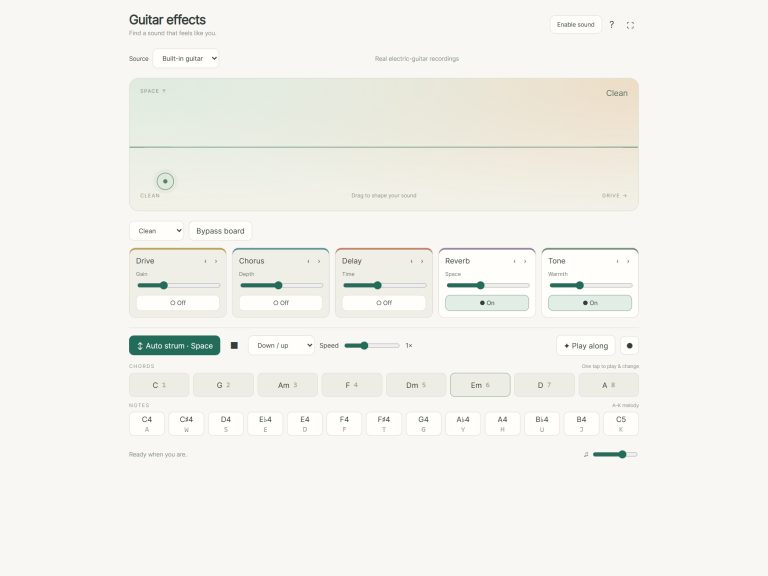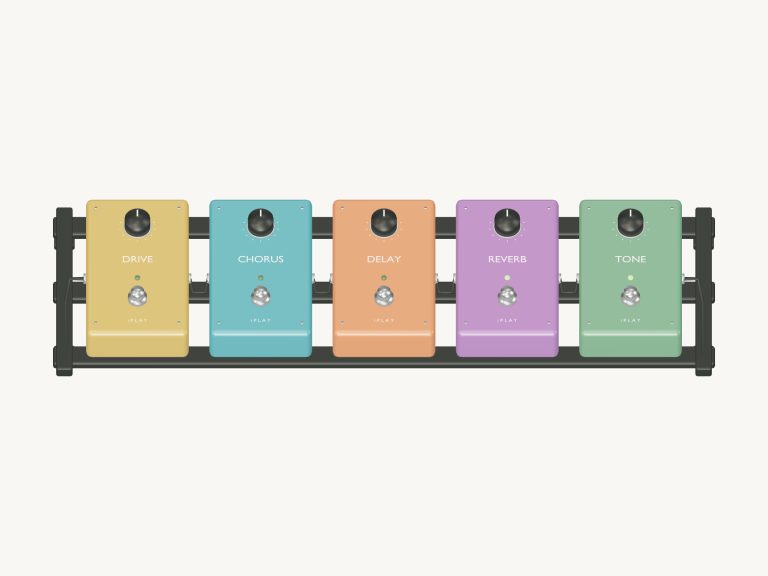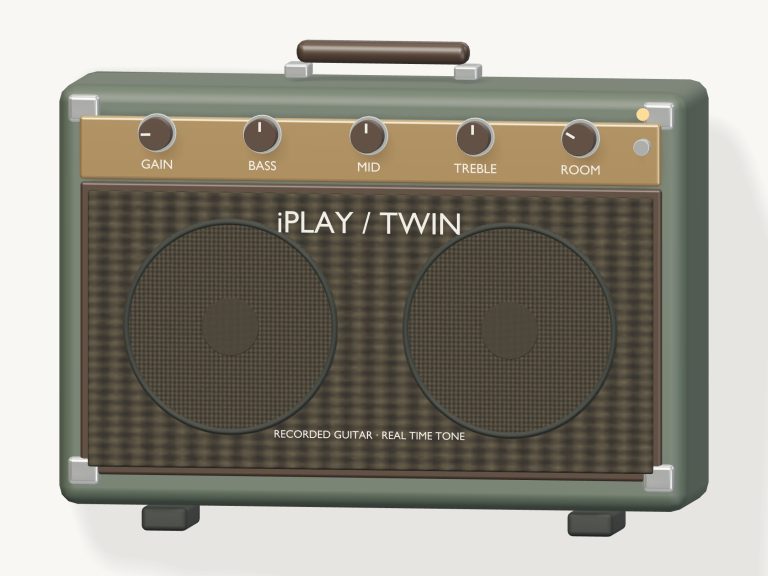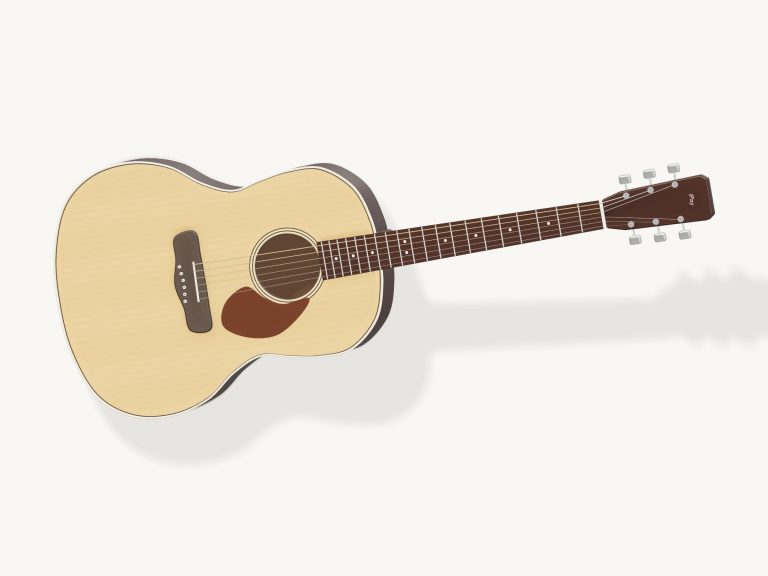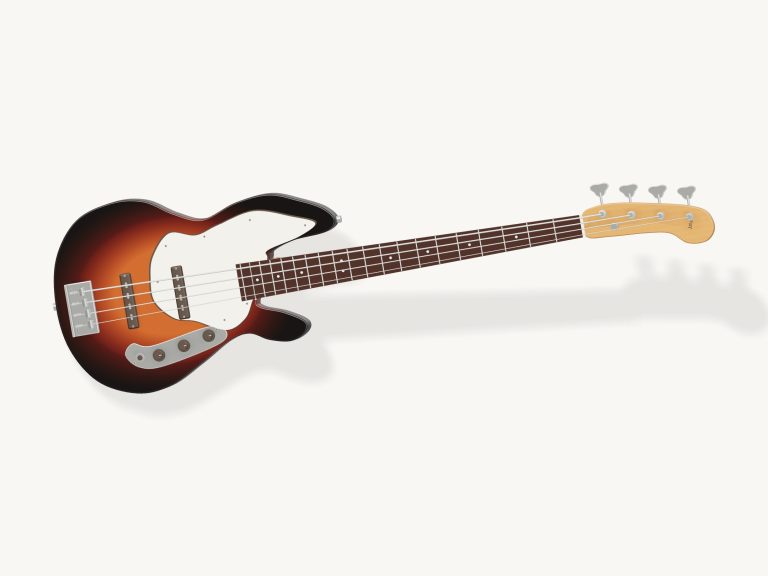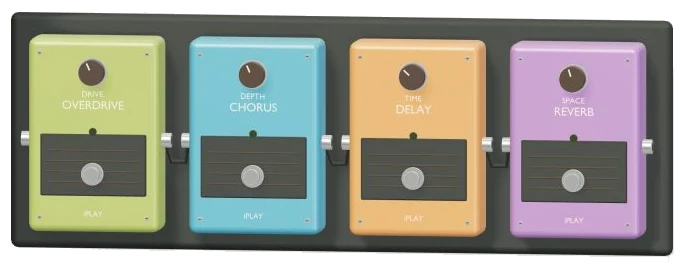
It is a virtual guitar pedal that’s an entire playable electric guitar and a whole effects pedalboard all in one place inside your browser. It’s called Online Guitar Pedal, and it’s a detailed 3D view of a pedalboard with four pedals on it (Reverb, Delay, Chorus, and Overdrive). These is applied to real electric guitar recordings as you play, so you hear the changes instantly. You play using your computer keyboard, your fingers on your tablet/phone, or even just with a mouse. No need to sign up for anything, nothing to install.
To begin, simply click the Enable sound up in the widget. While the recordings load, the board will say Preparing your instrument… When the button is changed to Sound on, you’re good to go. You can mute everything by clicking it again, and it will display Unmute. The question mark button displays a brief help guide complete with credits, and the Focus button puts the pedalboard into full-screen mode. That button changes to Exit in full-screen mode, and you can also press Esc to return to the page.
How to Use the Online Guitar Pedal
There are four pedals arranged across the row labeled signal chain. The guitar go through these in sequence: Overdrive, then Chorus, then Delay, then Reverb. There is a footswitch button on each pedal card with the name of the pedal written on it. To turn an effect on or off tap the corresponding footswitch. Every pedal operate independently so you can stack as many effects as you wish.
Each pedal features one slider. Drive controls the Overdrive and Depth controls the Chorus, both ranging from 0% to 100%. Time for Delay ranges from 80ms to 800ms, and Space for Reverb ranges from 0% to 70%. Next to each slider there is a readout displaying the setting.
Above the 3D board is the preset menu for a ready-made sound. There’s Clean, which switches all pedals off. Slapback has one short delay. Crunch has an added overdrive with a little reverb. Dreamy has a combination of reverb, delay, and chorus. The menu displays Custom as soon as you turn a foot switch or move a slider yourself, so at any time you are aware that you’ve moved out of the preset.
The realistic 3D pedals let you turn a knob by tapping it up one step at a time. It will start over from the beginning if you continue to tap after reaching the top. Drag a knob up or down for more precise adjustment. Tap a 3D footswitch on or off. Its tiny light illuminates when the effect is engaged. Strum the currently selected chord by tapping the board itself, handy for hearing how a change sounds.
From your keyboard, the keys 1 to 8 play C, G, Am, F, Dm, Em, A and D respectively while the CHORDS pads do likewise. Tap once to select a chord and it is strummed. You see both the chord name and its fret numbers in the stage. Next to that is the MELODY row containing eight notes starting at C4 rising to C5. These are played using the keys: Q W E R T Y U I.
To use for rhythm, just hold down the Space bar. If you are using the Strum / hold button, press it and then hold it. The guitar will continue to strum while you hold it down, allowing you to switch chords with your other hand. The Up button is an individual up strum. To keep the rhythm going without having to hold it yourself, turn on Auto and select one of the patterns from the menu next to it: Folk strum, Fingerpick or Downbeats. Everything stops instantly when you press the Stop button (Esc key).
Overall volume is set by the VOL slider. Once you’ve clicked inside the widget frame, you can play from the keyboard. Below the pads, the FRETBOARD shows all six strings in standard tuning. There are also twelve frets numbered 0-12 and each one has its note written on it. You can click on any of them to play that note and set the fret.
On the left hand side, you have the string names. You can pluck each string individually (low E through high E) or use the keys A S D F G H to do the same by pressing on the keyboard. The orange dots indicate the chord being held. If there’s a × over a string then it is muted. The Open strings button plays all the strings open again.
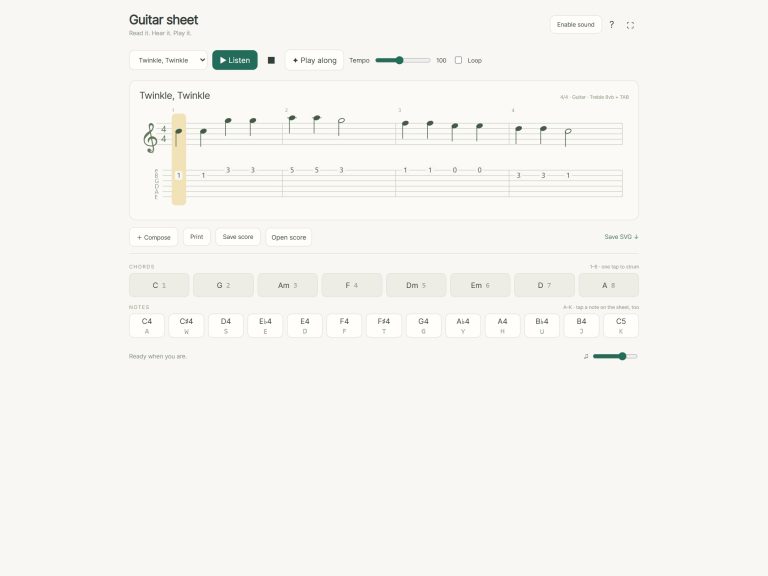
In the play along menu select Pedalboard session, then Twinkle, Midnight folk, Ode to Joy or any other of the tunes, and click Listen to hear a brief arrangement. This continues to loop until you stop it, allowing you to adjust the pedals as it plays. The tempo box allows you to set the speed between 40 and 180 beats per minute. When you’re ready to play along yourself, click Game.
The game will wait for you. What to play now is shown in green, and what’s coming up is amber. Every time you tap correctly, you move on straight away. At the end you’ll see how many steps it took and how many retries there were. To pause the game, click Pause; to start again from the start, use the circular arrow button. While a game is running, the pattern menu and auto is switched off.
To rotate the pedalboard, click on Rotate 3D. You can then drag the pedal casing to spin the board around, and pinch and scroll to zoom in and out. Everything remains fully playable, with no loss of functionality from the knobs and footswitches. If you wish to return to the front view, simply hit the house button to reset the view.
Real guitar recordings from MuseScore General 0.2.1 and FluidR3 is pitch-mapped between the recorded notes. FluidR3 is a collection of real recordings by Frank Wen (FluidR3 recordings © 2000, 2002 Frank Wen). These online virtual guitar pedals are all produced live as you play. The 3D models and arrangements were made for iPlayMusic. The melodies of Twinkle, Twinkle & Ode to Joy are in the public domain.
Beginners should of start by listening to Midnight folk and turning on one effect at a time to hear how each one changes the sound. Next, check out the Dreamy and Crunch presets in this online virtual guitar pedal, then end with a game mode round to test out your favorite sound.