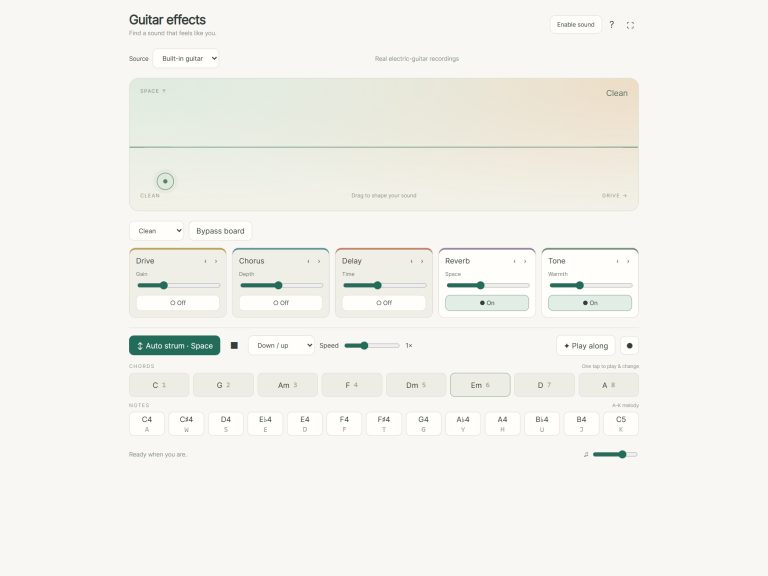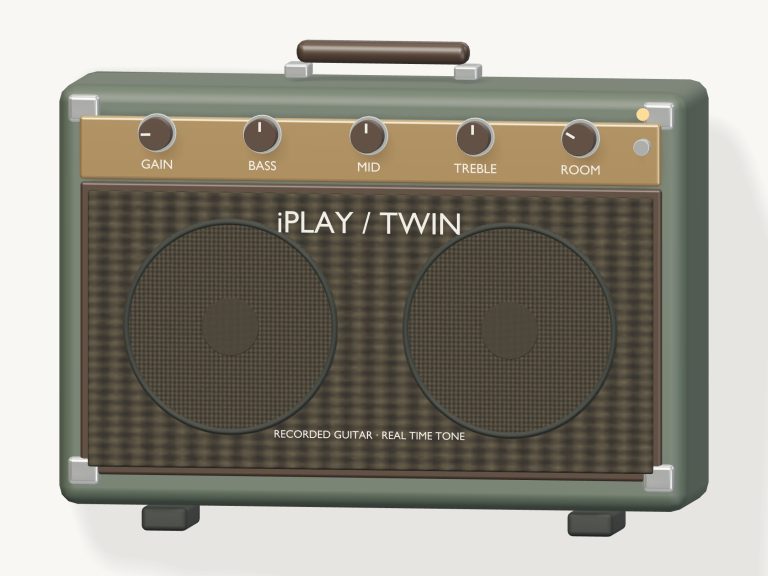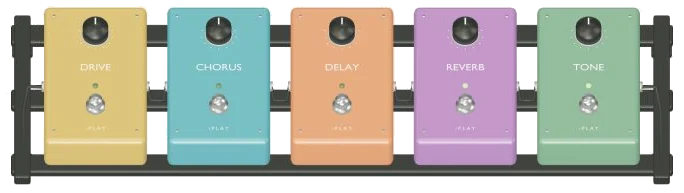
This online virtual guitar pedal board let you create a chain of guitar effects in your browser. There are five pedals: Drive, Chorus, Delay, Reverb and Tone. All the pedals is available on a 3D board that plays what you’re playing through in real time. It use real electric-guitar recordings for its guitar sound, so you hear the effect on an actual sound.
You do not need to install anything, just play from your computer keyboard, tap on your tablet or phone, or use a mouse. To begin, click in the top corner where it says Enable sound. Once the guitar has loaded, you will see the button count up and read Sound on. To switch into fullscreen mode, click on the four corners icon. The four-corners icon switch the page to full screen. Pressing Esc or clicking the icon again take you back to the page.
How to Use the Guitar Pedal Board
Here’s the note underneath the 3D board. To activate, tap a pedal and re-order using the arrows. To turn a pedal on/off tap the pedal again. While turned on, its little light will glow and the knob will turn to match it’s corresponding slider setting. By default the board is set to the Clean preset, meaning the Reverb and Tone pedals is already lit.”
Below the board are cards for each effect, with sliders and switches that tap the pedal. They include Drive with a Gain slider, Chorus with Depth, Delay with Time, Reverb with Space, and Tone with Warmth. Tone sounds darker and warmer the higher it’s set. The little arrows move effects forward or backward in the chain, and the pedals on the 3D board changes position to reflect this. The line above the cards spells out the order so you’ll always know what comes first.
There are presets in the menu to give you immediate sounds. There’s clean (tone and reverb), crunch (drive) dream (reverb, delay and chorus) and surf (reverb and delay with a hint of drive)
For comparison between the dry guitar and your sound, there’s a Bypass board button that lets you skip all the pedals in one click. It says Board bypassed and the lights on the pedals turns off; one more click turns the effects back on.
Tap on a pedal to turn it on or off as you explore by dragging to rotate the board around. Tap on the Front view button to return the board to its starting position when finished. The button will then say Explore 3D.
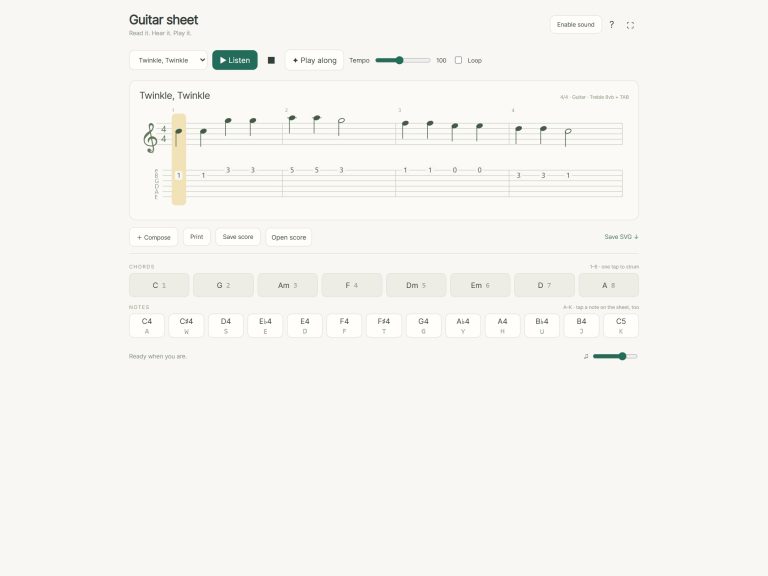
One tap on the chord pads plays C,G,Am,F,Dm,Em,D,A; then the same from your keyboard’s keys 1 to 8. Keys A W S E D F T G Y H U J K hold a melodic range of C4, C5 in the Notes row. Press Space or click Auto strum and the guitar continues strumming while you switch pedals on and off, and change chords. Select a pattern from the menu (Pick Down / up or Fingerpicking) and adjust the Speed slider from half speed upwards to twice as fast. Strumming is stopped by the square Stop button or Esc key.
Before playing from the keyboard, click inside the widget which has its own frame on the page. You also get the chord progression to learn to play along with. That’s Em, G, D, C, Em, G, C, D, Em. It highlights the chord to be played, and displays a counter plus the next couple of chords in a little panel. Tap the correct chord and the game move forward. It will wait for you before advancing to the next one. When you are finished, you will see the word Lovely. Yes, you just played the entire progression.
There’s a Record button that records what you’ve got going on (including all your pedals) after processing it. Tap again when finished and a Save link pops up where you can save the take. A Volume slider in the footer controls the overall level.
Brian Wood played a Green Gretsch Anniversary (from the free Karoryfer Black and Green Guitars collection) released under CC0 1.0. This is an online virtual guitar pedal board that creates effects live as you play. The help panel states that there is no uploading and that playback is local.
New to pedals? Turn Autostrum on then select Em and turn on one single pedal at a time to hear how they each contributes. Next, move Reverb into place before or after Delay. Finally, run through Play along on the online virtual guitar pedal board.
It would of been better to try all of them. The board should of had more options. You should of seen the moddern settings. The furnitures is nice. You can aks for help. You should of recieved it.
I am livig my best life. The sound is more better than before. It is diffrent than the old one. I think the sound is base off a real amp. You could of used a more luxurius sound.
The weight matter. Between two adult-sized sofa. I dont want to go there. It’s a armchair. Table should be two-thirds of sofa.
Actually, I am naturaly happy. I dissapears in the crowd.