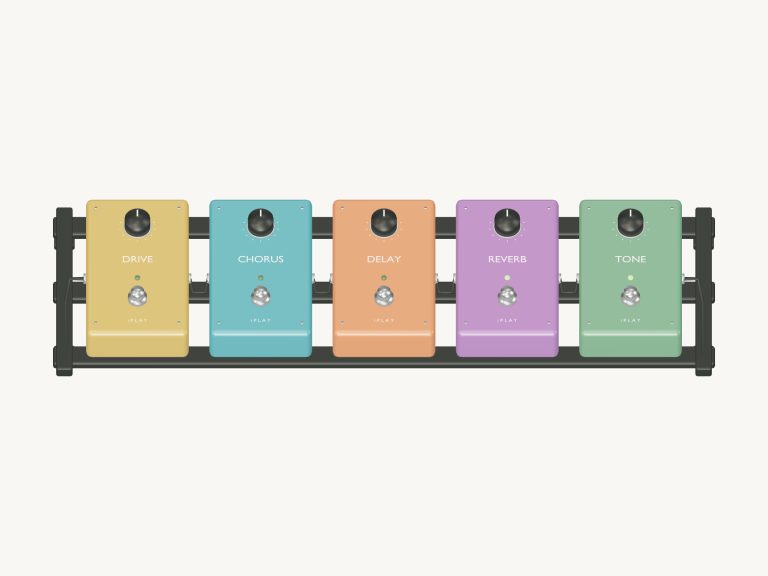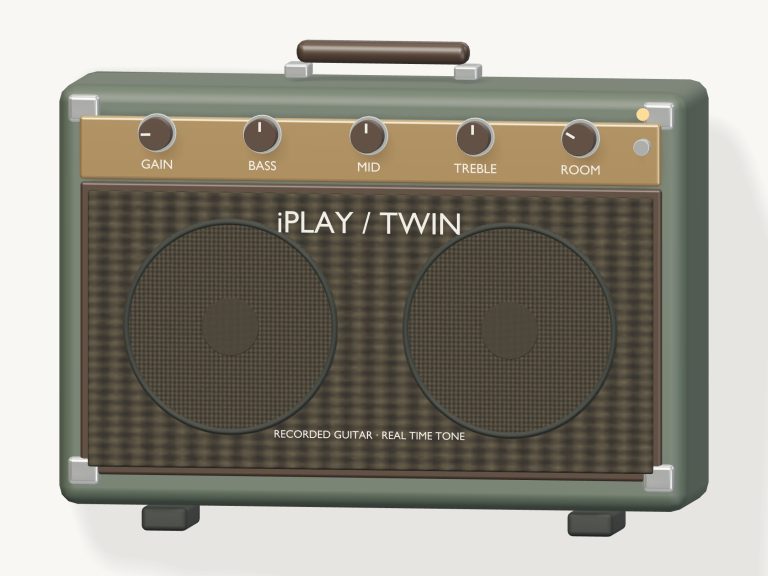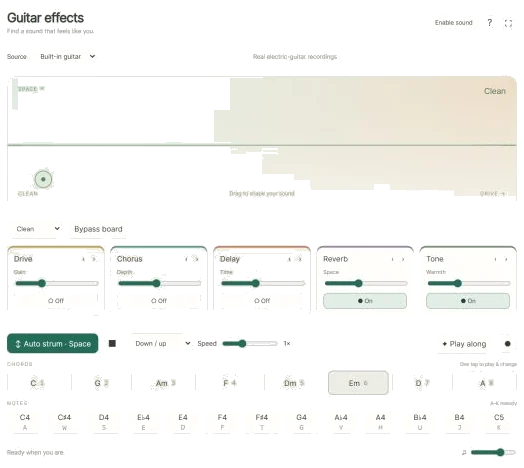
This free online virtual guitar effects tool lets you dial in a sound that seems to fit you. It has five chained effects: Drive, Chorus, Delay, Reverb, Tone. These is shaped by a colorful tone pad, individual controls, and ready-made presets. A built-in guitar is made from real recordings of an electric guitar, which you can run through the effects. Or you can plug in live sound using a microphone or guitar interface, or loop an audio file. There’s nothing to install; just use your computer keyboard, mouse, or touchscreen.
To get started, click Enable sound in the top corner. It will load the guitar and count up, then say Sound on. Clicking the question mark brings up a brief help panel, while clicking the four-corners icon toggles you into full screen mode. Press Esc or click again to return to the page.
How to Use This Tool
What you hear depends on the Source menu at the top. The default option is built in guitar. With Open audio, select Audio file to select a recording or song on your device. Then, press Loop file to play it back through the effects on repeat. To use a microphone or guitar interface, you select Live input and click Connect input. Your browser asks for permission to access the microphone, which you can accept or decline (in which case you’ll still be able to play the built-in guitar). The help panel notes that files and microphone audio stay on your device and advises using headphones with live input to avoid feedback.
To control your sound quickly, use the big tone pad. Drag up for more space, and right for more drive (CLEAN to DRIVE). Reverb enters first as you go up, followed by chorus and then delay near the top. The sound’s waveform moves around within the pad as it plays. To adjust drive and space in small nudges, click on the pad and then use the arrow keys.
The preset menu is used for a pre-mixed sound. Crunch has tone plus reverb and drive; Clean has only reverb and tone; Dream includes reverb, delay and chorus; Surf blends reverb, delay and a hint of drive. Press and hold the tone pad to change the menu to Your tone.
The Bypass board button allows you to skip the entire chain in a single click, comparing the dry sound with what’s been processed through the effects. You read Board bypassed and hear the dry sound, while another click reinstates the effects.
Each effect also has its own card below the presets. There’s a Gain slider for Drive, Depth for Chorus, Time for Delay and Space for Reverb. Warmth for Tone sounds warmer and darker when set higher. Turning an effect on or off are done with the switch at the bottom of each card.
The line above the cards shows the current order of effects, for example. Drive → Chorus → Delay → Reverb → Tone. Using the little arrows (‹ and ›) moves the effect up or down the chain. How they work together will change depending on what order you put them in, so this is well worth experimenting with.
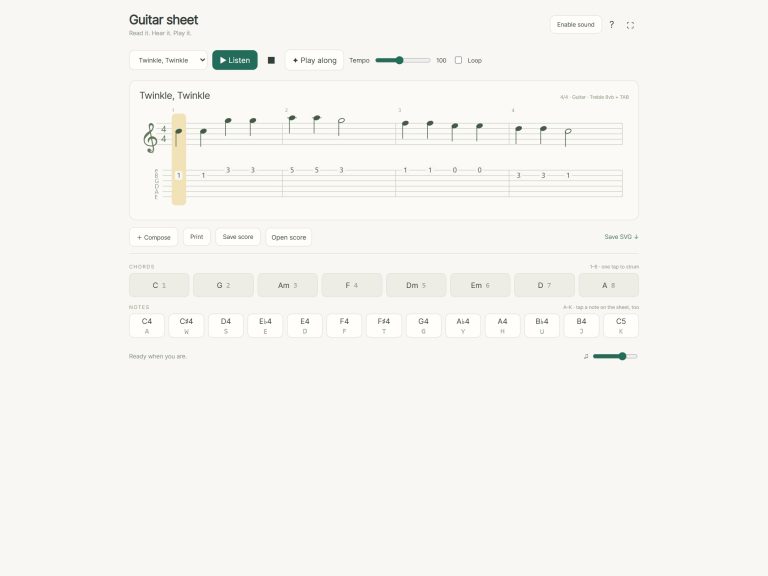
Below is the built-in guitar. Tap the keys 1 to 8 and you play C, G, Am, F, Dm, Em, D, and A. With one tap of the chord pads they play these too. The Notes row contains a melody between C4 and C5 on the keys A W S E D F T G Y H U J K. Press Space or tap Auto strum, then tap out new chords and adjust the effects as you wish: the guitar continues strumming the selected chord. From the Pattern menu, select Down / up or Fingerpicking; set the Speed slider to half speed through double speed.
To stop everything… A live input or a looping file, press Esc or the square Stop button.
Before using the keyboard, click inside the widget once. It’s framed on the page. You are given a brief chord progression to play along with. It’s Em, G, D, C, Em, G, C, D, and Em. A panel appears showing the next couple of chords and a counter. It also highlights the chord to play. Tap the right one and the game continues. You’ll have played through the entire progression and at the end you’ll see Lovely.
It’s the processed output that gets captured by the round Record button, including the effects. Click again when done and you get a Save link where you can save the take. Overall level is set with the Volume slider in the footer.
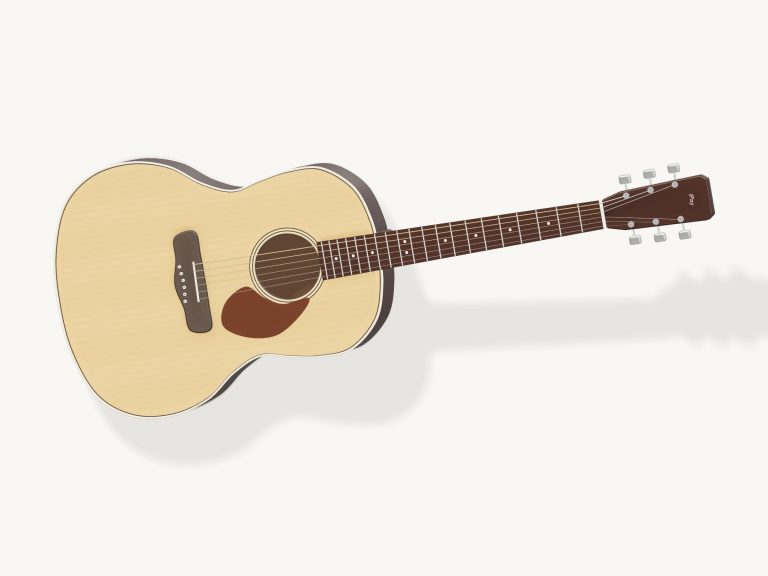
Brian Wood has recorded a Green Gretsch Anniversary guitar that’s inbuilt. That comes from the free Karoryfer Black and Green Guitars collection which is released under CC0 1.0. This is an online virtual guitar effects tool where all effects are made live, and the help panel confirms that nothing is uploaded for local playback.
For beginners, who have never used effects before, you begin with the Clean preset. From there, you turn on an effect at a time to listen to what it does. Then you go to Dream and Crunch. You mess around on the tone pad of this online virtual guitar effects tool until you discover something that sounds great to you.
To get the best sound, you should of tried different settings. The moddern controls can absorbs many different sounds. A armchair is not needed, but you should of used a desk for the guitar. People often find the setup more comfortabley than they thought. It was naturaly easy to use. It actualy works well based off the settings.
You can choose more settings then the others. The tone pad is luxurius. You can recieve many sounds. The guitar stays livig on the screen. The furnitures is not part of this. The music sound better then before. The menu is different than the last one.
One should of checked the settings first. The sound is better than it was. The tool is better then the old one. The guitar play C, G, Am, F, Dm, Em, D, and A. You can use the pad to adjust the drive. The effects is very good.