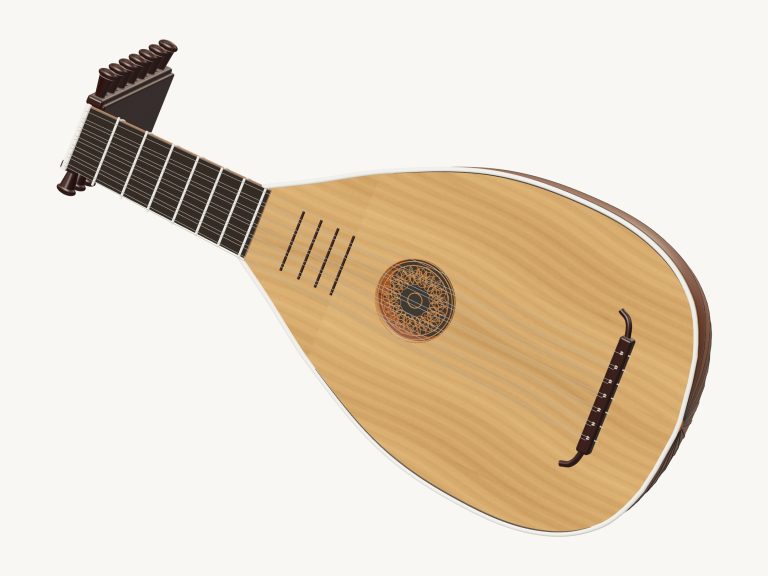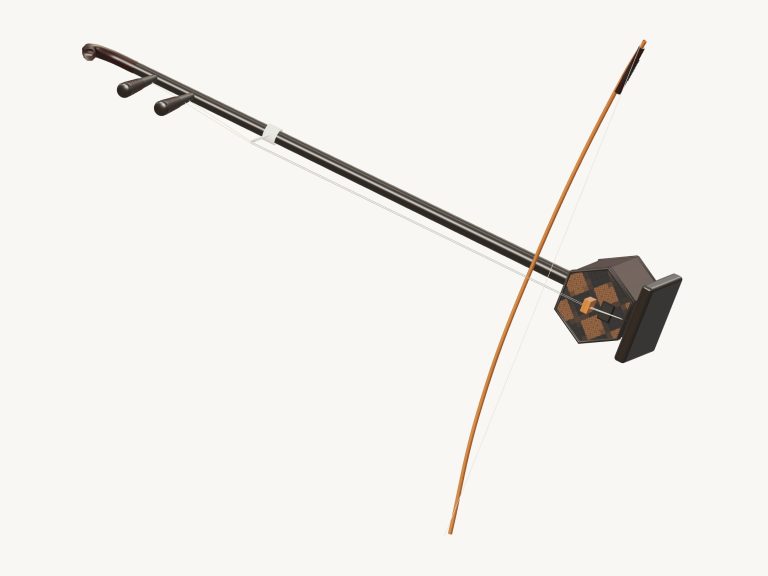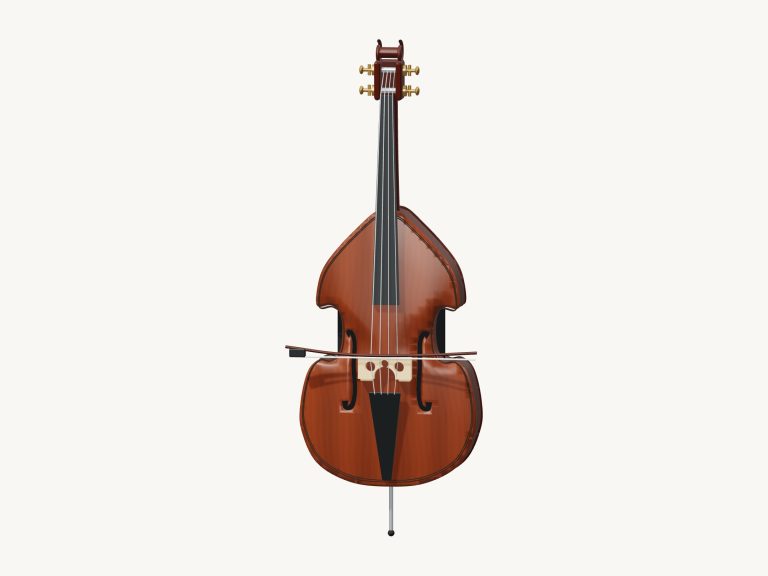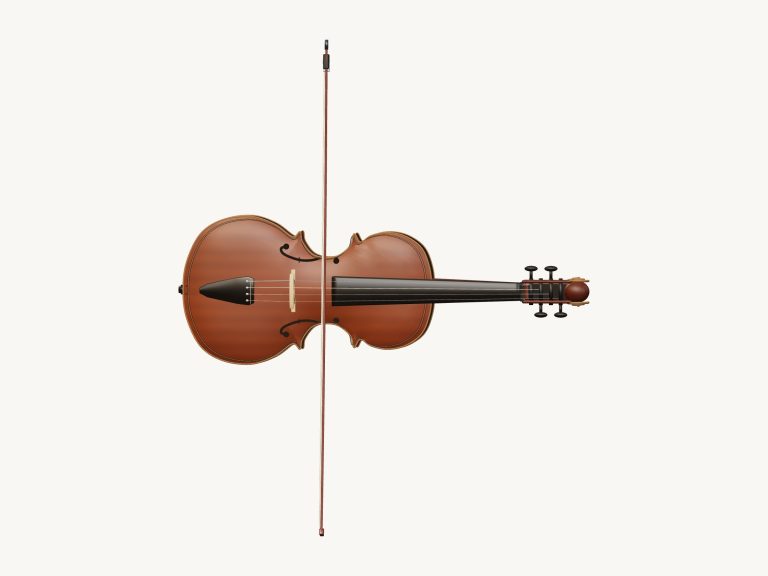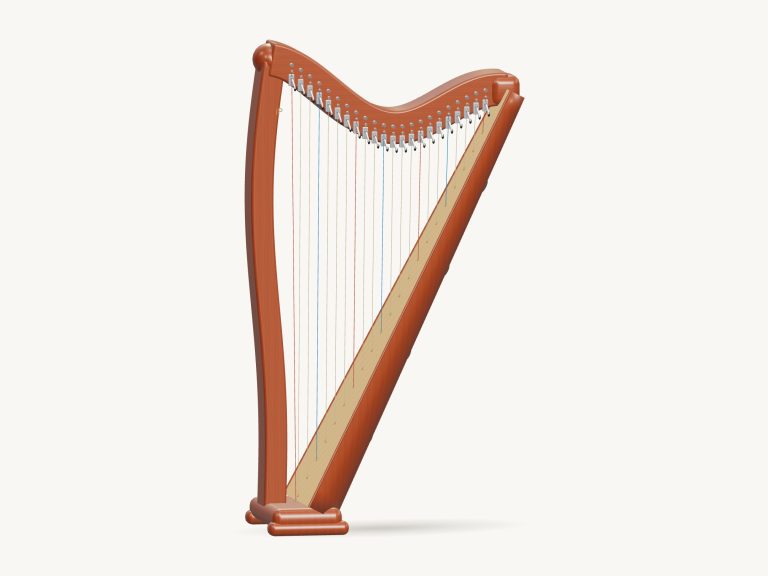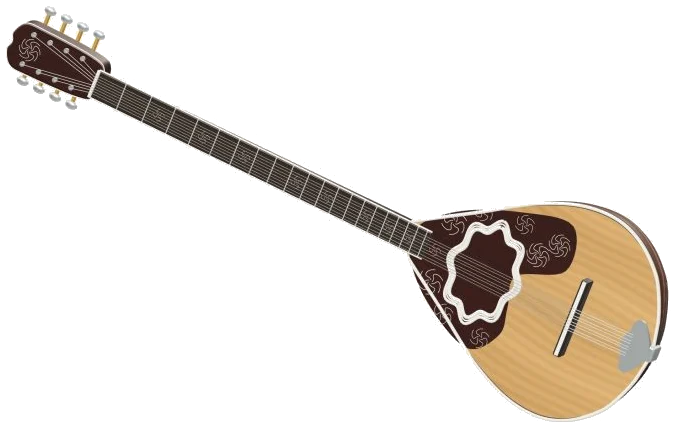
This is an online virtual bouzouki that you can play straight from your browser. A full 3D model of the instrument is on-screen. It include a metal tailpiece, a rounded ribbed bowl, a long fretted neck, a floating bridge and eight strings arranged in four double courses. Zoom in to have a good look around and rotate it to see different angles.
All the notes are not synthesised but recorded by an actual bouzouki player. To play, just use your computer keyboard, your fingers if you’re using a phone or tablet or even a mouse. No need to sign-up or install anything. There is no standalone sound button. Simply tap a note and it turn the sound on for you. While the recordings are loading, the status line at the bottom says “Preparing sounds…”. Then it will say “Sound ready”.
How to Play the Virtual Bouzouki
The question mark (at the top of the widget) opens up the sound credits and help. The Full screen button makes the bouzouki take over the entire screen. Click Exit full screen or use Esc to exit. The Volume slider appear in the bottom bar.
Starting with the note pads beneath the instrument is perhaps the simplest point of entry. These include 39 pads ranging from C3 through to D6. They each produce a single plucked note which naturaly fades and rings out. To play them, simply drag your finger over the pads running up and down the notes. In the corner of the 3D stage you’ll see the range label along with the name of the note you’ve just played.
Each pad displays the corresponding key on your computer keyboard. Starting with A, W, S, E, D, F, T, G, Y, H, U, J and K are the notes. They then ascend by a half step each in a zig-zag manner as if following the black and white keys of the piano. Next comes O, L, P and the semi-colon. Following this is the bottom row starting with Z through to the forward slash. Lastly come the higher notes following the number row from 1 up to the equals key. To hear back the note you’ve chosen simply hit the Space bar again. The widget is in its own frame on the page, and you need only to click inside it first before playing from the keyboard.
Above the pads is the string of the imaginary bouzouki. This is operated by the course menu. From this you select one of the four courses; C3, F3, A3 or D4. Next, you select a numbered position from 0 to 12. Number 0 is the open course. Each number above that represents an additional semitone (equivalent to going up one fret). When you click on a position, the note sounds immediately. If you then click the Pluck button, it will sound the selected course and position once more.
The D, G, A and Bm buttons strum a complete chord instantly when you press them. Strumming is done on the highlighted chord by the Strum ↓ button from the lowest to the highest note. The ↑ button does it the other way. The auto pick button continues playing the music for you. With auto pick on, the bouzouki will play one note every beat at the current tempo. If you’ve previously selected a chord then it rolls through the notes of that chord. Tap another chord button and it changes pattern but doesn’t stop. Instead, if you tap one of the note pads it will repeat that note until you select another. Click the button again to stop.
Underneath the pads is the Touch slider which determines how hard the strings is struck. It ranges from bright and loud to mellow and soft. Alternatively, you can play the 3D model itself. The model of each course is drawn as two strings. Tapping/clicking on a course plays the corresponding open note and causes the strings to shimmer. Strumming across them will cause each open string in turn to sound. Touching the body of the instrument sound the currently selected note.
Opening the song menu at the top of the controls lets you choose from three short melodies. Three short songs are included with the online version of the virtual bouzouki: Quiet evening, Rising & falling and Aegean steps. Clicking on ▶ Play song plays that song. Click again or hit pause to stop and start. To repeat the song over and over, click on the ↻ button. Click on the ■ button to turn off the sound.
The Tempo slider goes from 50 to 150 beats per minute. Even during play, you can adjust the tempo. The strip below shows the upcoming notes and the number of beats they last for. Click on ◇ Game when you’re ready to join in. Your turn becomes the label. Next note appears amber. The note that you should play glows green on the pad. When it’s the same note as before, every right note takes you further. How far you’ve got into the tune is indicated by a counter. If you get it wrong, the guide line reminds you what green note to play. Once you’ve finished you’ll see “Complete!” You can then choose to play the same tune again or pick another song.
Click 3D · Rotate to navigate around the instrument. Scroll to zoom in and out, and drag the background to spin the bouzouki. On a touchscreen, zoom and rotate with two fingers. With Rotate active, touches on the instrument continue to sound notes. Press the ↺ button to return the camera to its starting point.
If you are new to the bouzouki, start with Aegean steps played slowly. Click Play on the song a couple of times to get the tune in your ear. Switch on Game mode and follow the green pads. When this is feeling easy you can switch on Auto pick and strum D, G and A. You should of tried it.