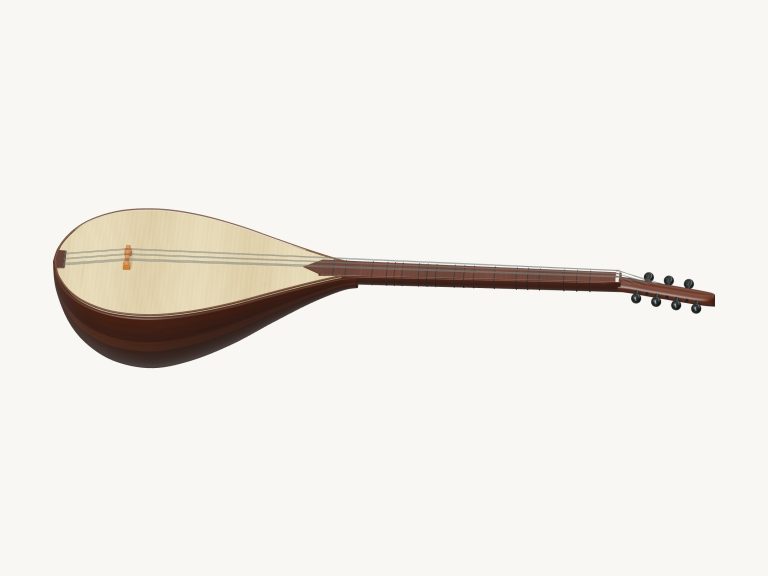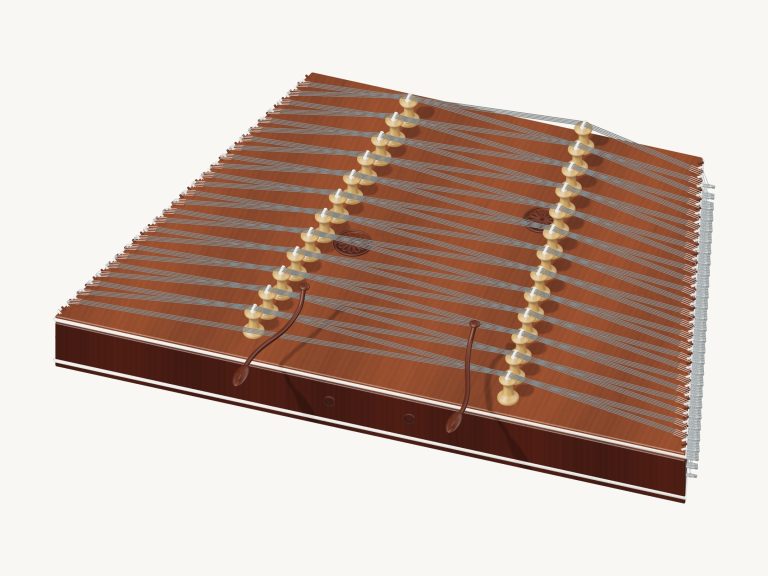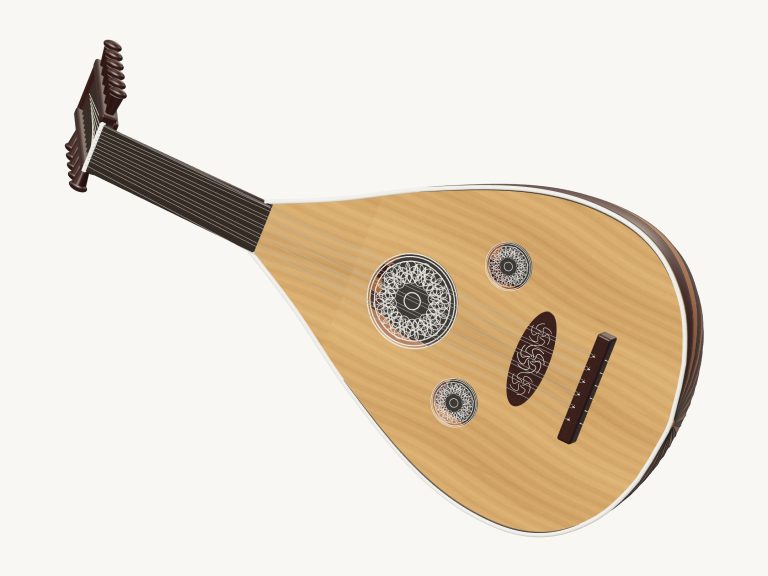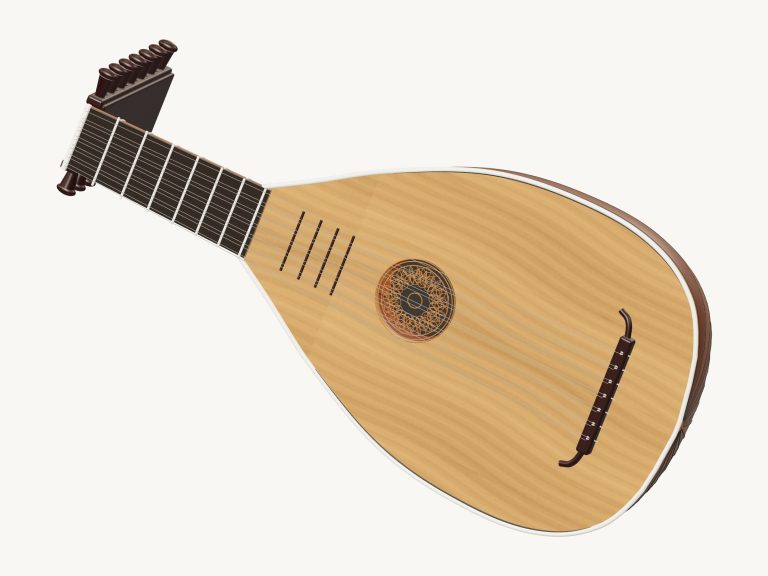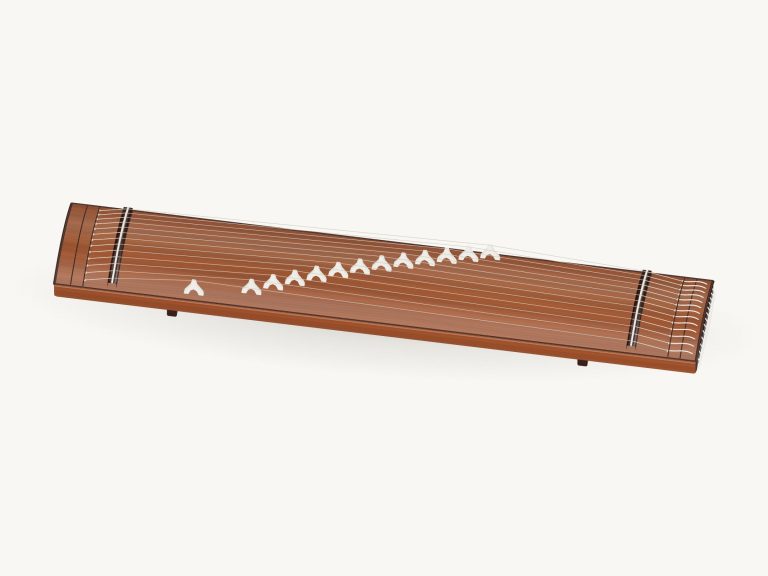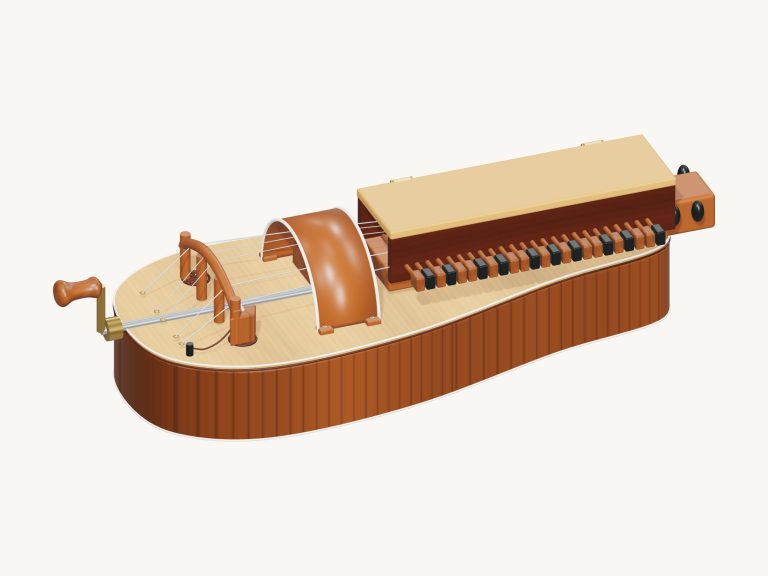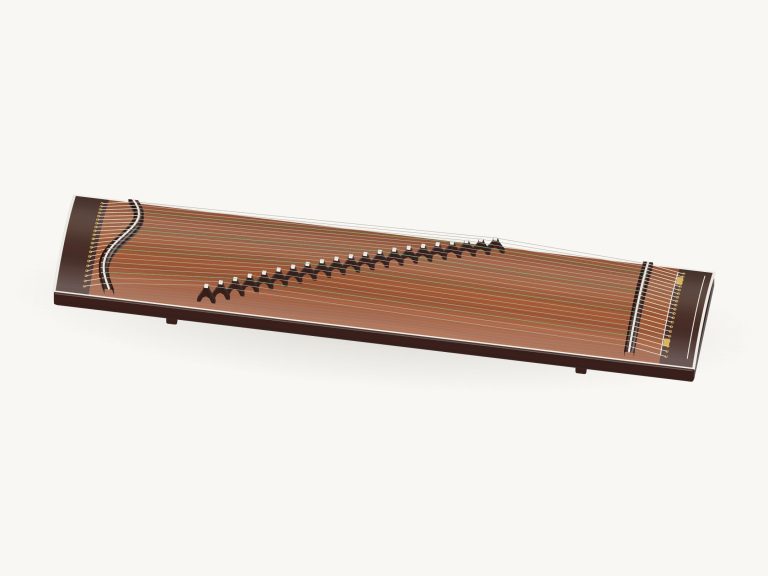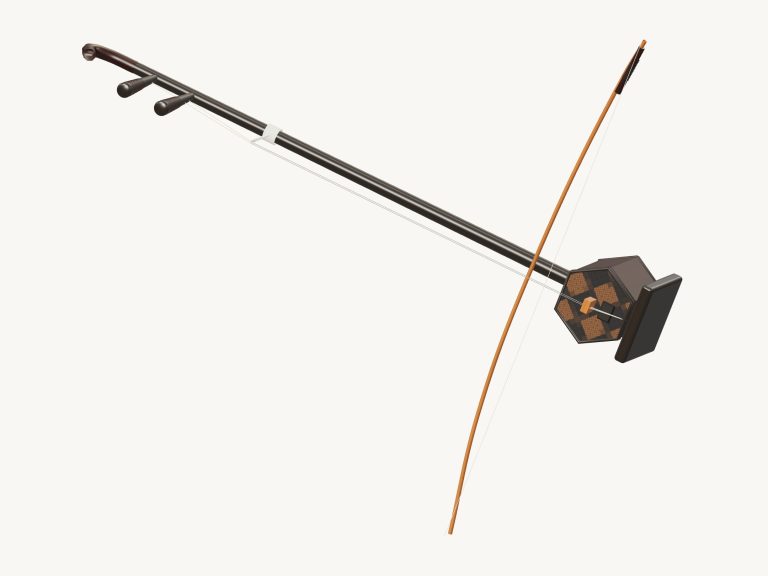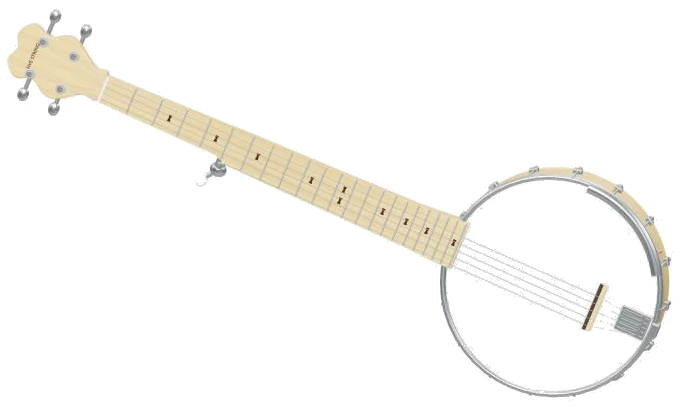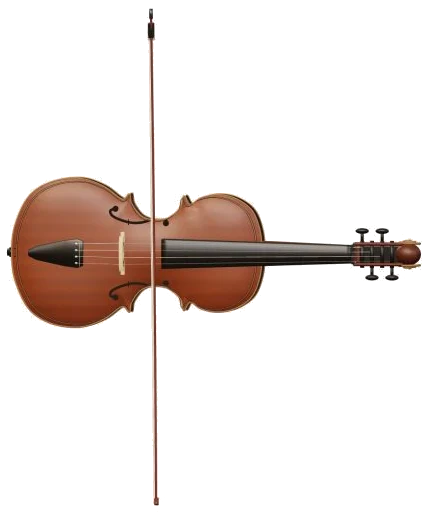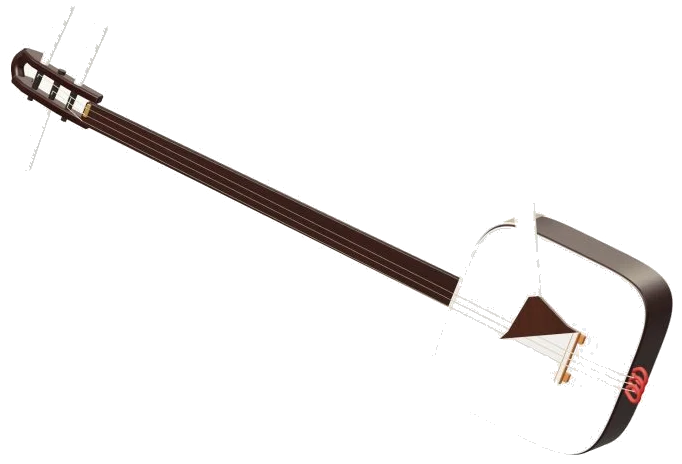
Play a three-string shamisen in your browser thanks to this online virtual shamisen. It’s a 3D model of an instrument with a fretless shamisen neck, a do body covered with skin and a separate bachi which move when you play. You can zoom in and even rotate the model. Each note is produced by recorded samples instead of a synthesizer. Play it with your computer keyboard or your fingers if you have a tablet or phone. You don’t have to sign up or install anything.
There is no need for a sound button. When you play a note, the sound come on automatically. The status line at the bottom displays Preparing sounds… followed by Sound ready. The Full screen button (top) makes the shamisen take up the entire screen and the question mark will open sound credits and help. Pressing Esc or clicking Exit full screen returns it to normal size. The Volume slider is in the bottom bar.
How to Play the Virtual Shamisen
With three strings, the shamisen play in the key of honchōshi, C G C, and has strings tuned to C3, G3, and C4. There are 25 note pads underneath the stage ranging from C3 up to C5, each a semitone apart. To play, tap on a pad to pluck it and hear the ring out fade away naturaly, or drag your finger across the pads to run up and down them. On the 3D model, the bachi swings as you play each note and the note’s name appear in the corner of the stage. Each pad displays the corresponding key on a computer keyboard.
As you’d expect, the notes go up by one semitone at a time, like a piano keyboard, starting with A, W, S, E, D, F, T, G, Y, H, U, J, and K. From there, the keys are O, L, P, and; (the semi-colon), followed by the lower line from Z down to, (the comma) for the highest C5. The space bar will sound the chosen note again.
The shamisen has its own frame on the page too. Click within it first before playing from the keyboard. Above the pads there’s a strip which acts as the neck on the instrument. From the menu select your string, 1 · C3, 2 · G3 or 3 · C4, then position from 0 to 12. Position 0 is an open string. Each subsequent number increase the pitch by one semitone. Clicking a position will play it immediately. The Pluck button repeats the selected string and position.
According to the app, this is a virtual aid, not physical frets; the real sao has a fretless neck. Also, you’re able to pluck the strings in the 3D model. Touching the body will play the note that’s currently selected. You can tap/click on each string to hear the open note and make the string shimmer, or drag your finger along the strings to pluck them one after another.
The shamisen will also play three notes of your chosen chord quickly spread across the soundboard if you click on any of these for chords: C, Cm, F or G. Strumming is achieved by clicking on the Strum buttons: ↓ strums the highlighted chord from low to high, and ↑ does the reverse… Back down again. It’s a nice exercise hearing how a major (C) and minor (Cm) chord differ just moving up and down from one to the other.
Auto pick will keep playing a consistent pattern; one note on each beat of the selected tempo. It will roll through those notes if you previously selected a chord, or switch patterns when you click on another chord button, continuing until stopped. Tap a note on the note pad and Auto pick will repeat that note. Click to stop.
With the Bend slider you can raise the pitch of the sounding notes by as much as two semitones. Pluck a note by pulling the string, then move the slider while the note rings, and release it to return to the original pitch. With the Touch slider you adjust the firmness with which the strings is struck from bright and loud to mellow and soft.
Selecting a song from the top menu’s controls will teach you that tune. Virtual shamisen Online has three songs: Bachi steps, Rising & falling and Quiet evening. Press on ▶ Play song to hear it play, then press again to stop/pause. Tap on the Tempo slider between 50 and 150, it operates during playback too. Hit the loop button ↻ to repeat the song; the square ■ button mutes everything.
A strip below the menu shows upcoming notes and their beat lengths. Click on ◇ Game when you’re ready to play along. You’ll see your turn change to the label, the next note in the piece will glow amber, and the pad you need will glow green. Play each right note, including any repeats, to move further. The counter keeps track of how well you’re doing. If you play the wrong note then the guide line tells you what green note to try. Once complete you’ll see Complete! You can play again or choose another song.
Click 3D to rotate and see around the shamisen. On a touchscreen, use two fingers to rotate and zoom in/out; drag the background to spin it. While Rotate is on, touching the instrument still plays it. Use the ↺ button to reset the view.
For beginners, select string 1 and click on each of the numbered positions from 0 through to 12 to listen to the ascending notes. Next, play Game mode slowly, following the green pads with Bachi steps one note at a time.