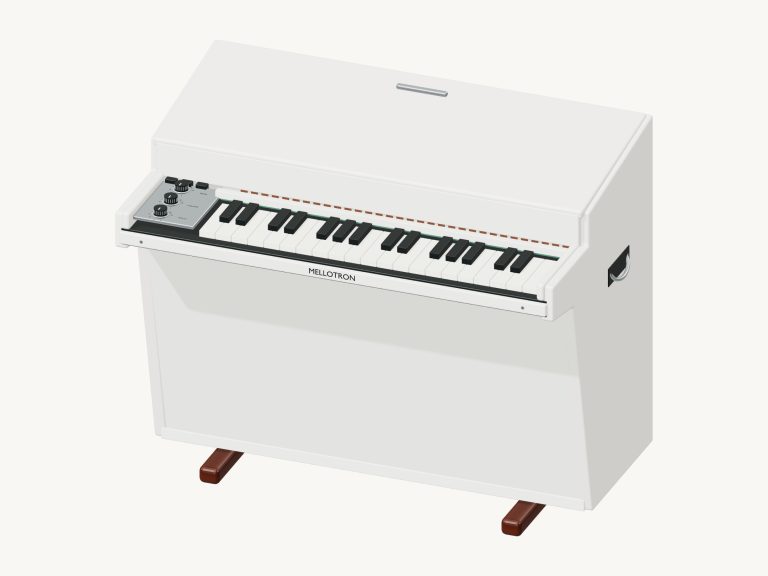
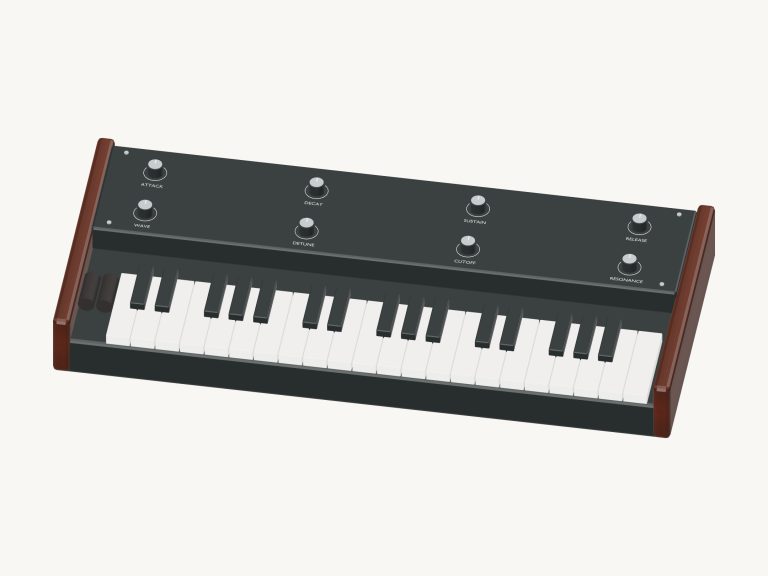
It is an online virtual theremin that plays in your web browser. To produce music, simply move your finger (or cursor) around in the touch area under the model. You do not need to press any keys. Instead, you drag over the touch area and the volume and pitch follow. The notes slide smoothly from one to the other.
Above the controls is a 3D model of the theremin itself. You can zoom and rotate this. The sound are produced live by the browser.
How to Play the Virtual Theremin
There are three ways to play: with your finger on a phone/tablet, your mouse, or even using the keys on your computer keyboard. Nothing needs to be installed or downloaded. There’s no need to seek out a start button. When you play, the sound turns on. Once the instrument is ready, the message at the base of the widget will change to Live electronic sound. Clicking the question mark in the top corner opens up a short credits and guide.
Below the instrument are all of the sound controls. Before you begin, find the touch area under the model. This is the part that plays. As a hint, there’s an idea written above it. To play, just drag across it. The higher you go, the louder the sound will be. If you move to the right, the pitch goes up. Keep your finger (or mouse button) pressed down while you move. If you want to lower the pitch, then move to the left. From left to right, the pitch is lowest on the left edge and highest towards the right. Moving downwards makes the sound quieter. As you move, the note name in the corner of the area changes. So you’ll always have some idea of where you are. Let go and the sound fades out.
Four octaves are covered by the touch area. It covers C3 to C7. There’s a continuous pitch glide from one note to another. It is very expressive.
A useful feature for learning is called Snap to notes. Switching this on means that the pitch jump to the closest exact note. You will no longer slide through everything in between. Switch it off again if you wish to have smooth slides.
If you like fixed notes then you use the keyboard below the touch area. This spans 25 notes from C4 to C6. Playing the theremin mean playing one note at a time. One key replaces another. Those notes are played using certain letters of the computer keyboard. In order, these are A, W, S, E, D, F, T, G, Y, H, U, J, K, O, L, P,;, Z, X, C, V, B, N, M, and the comma. Each letter sounds a note that is one semitone higher than the previous letter. On the screen each key displays the letter that sounds it.
The theremin appears within its own frame on the page. Once you click inside the frame, you can begin to play from the keyboard. To sustain a note you simply hold down a key. For a brief note, you tap it. PLAYING has the note you played last underneath it in the bar. To play this note, just press the Space bar or the Play button. It will continue playing as long as you hold it down. If you want it to keep sounding by itself, you can use Hold sound. Whilst it’s playing, a single click on another key takes over from the old note. Esc key or the ■ Stop button will silence everything.
Expression is a slider that goes from 10; 100. This controls how loud the theremin will be when it plays. This is for both the touch area and the keys.
The sound can be changed by turning on one of the three presets. The default voice is called Classic. Pure is a single, smooth wave. This makes the tone darker and softer. The third is called Singing. Of the three, this is the brightest setting for singing. Both Pure and Singing add more room echo. They also make it glide a touch slower as you move up or down the pitch.
Beside these two is the Room slider. This goes from 0-50. Here you can determine how much echo you want in your sound.
At the bottom right is the Volume slider that determines the overall level.
Open the PLAY A LITTLE menu and learn a melody. Little lanterns? Twinkle, Twinkle? Or Ode to Joy. Click ▶ Listen and the theremin plays it for you. Adjust the tempo with the Tempo slider. Between 40 and 180.
Click ◇ Game mode and play along on the keyboard. Next note glows green. What’s coming up is in boxes marked play now, NEXT, and THEN. A counter and progress bar follow your progress. There’s a progress bar and counter that follows. Game mode waits for you. It moves on when you play the right key. At the end, it asks, Would you like to play it again? Yes there’s an Again button.
To record, you hit the Record button (●). It will then pick up what you play directly from the instrument. No need for a microphone. Once it says ■ Finish take, you hit that and it shows you a Save take link. Hit that and you’ve downloaded your recorded performance.
There’s a virtual theremin online. You can rotate it in 3D by clicking ↻ Rotate 3D. Drag the background to rotate the model. Zoom using pinch or scroll. Click the ⌂ button for the front view, or turn off Rotate 3D to return to that view. There it is, the model to look at. And there is a touch area/keyboard to play it.
The sound is made using original iPlayMusic Web Audio synthesis. That’s a moddern model of continuous waves with glide, generated live. No recordings are used.
If you’re new to the online virtual theremin, turn on Snap to notes. You see some notes in the touch area. You slide around and follow the note names. You go into Game mode and play Twinkle, Twinkle on the keyboard. You recognize the song. You turn Snap off. You use your own slides in the air.