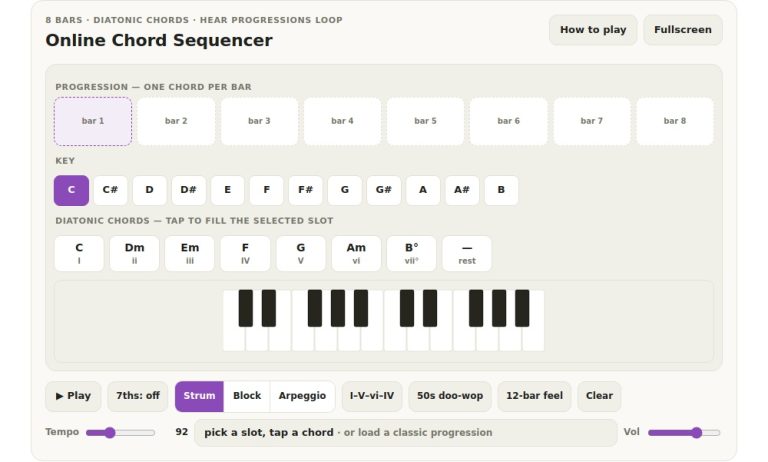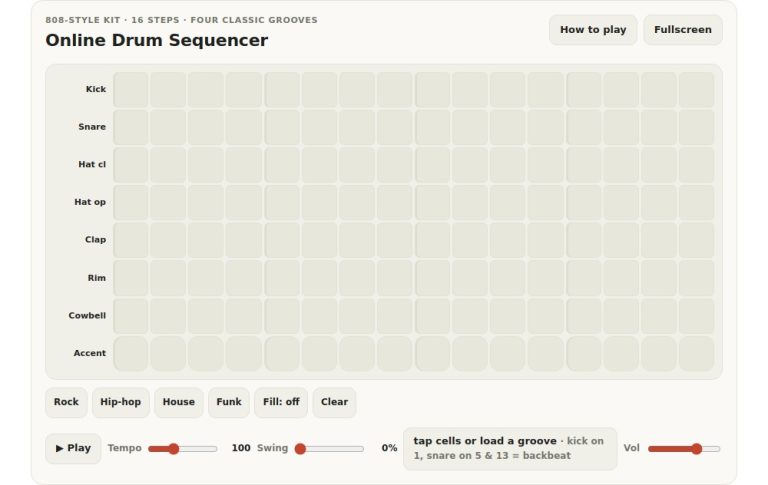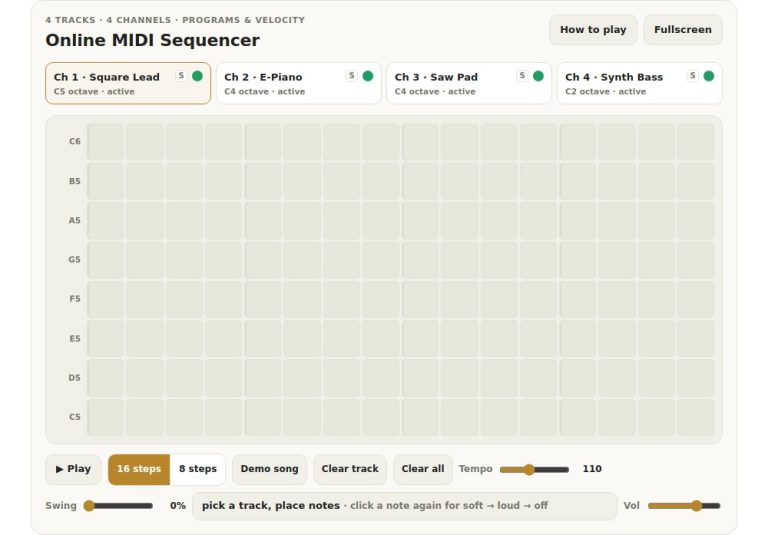
This online step sequencer lets you play the instrument on your computer keyboard (hands free!) or click on the grid with your mouse to create looping melodies. There’s no need to have any experience at all to get going with it; it’s designed to make music instantly.
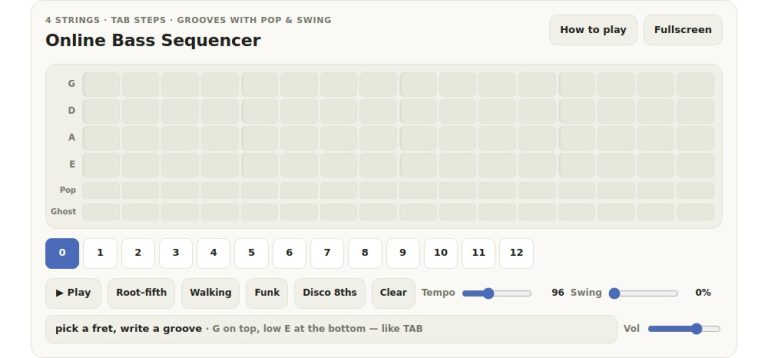
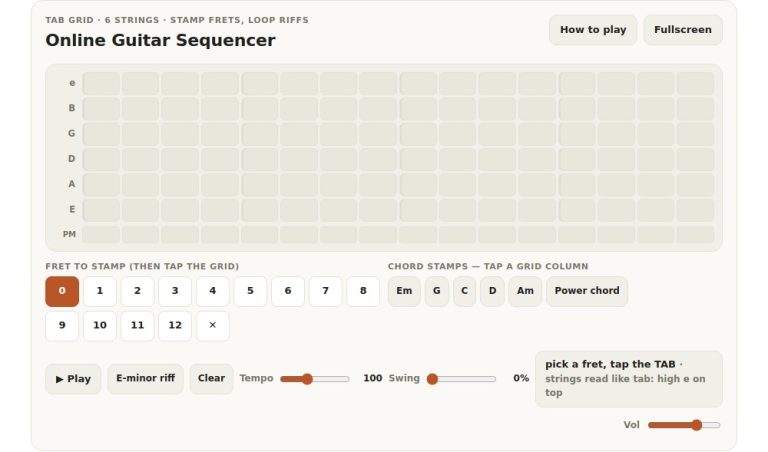
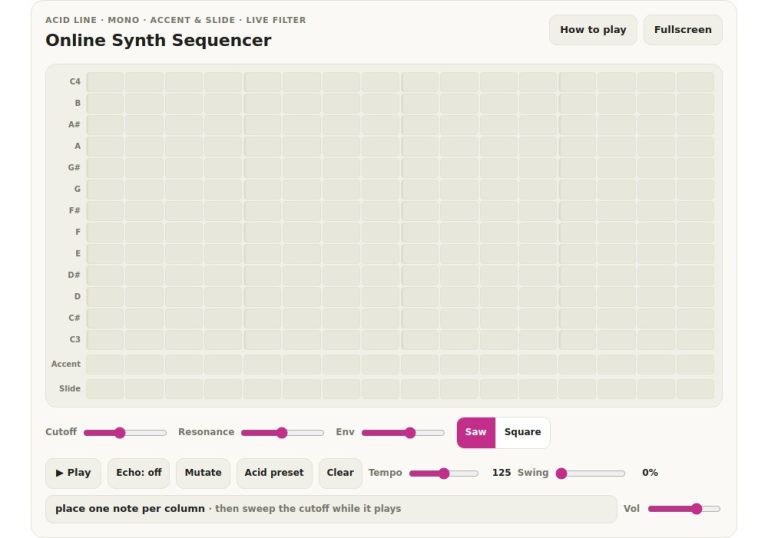
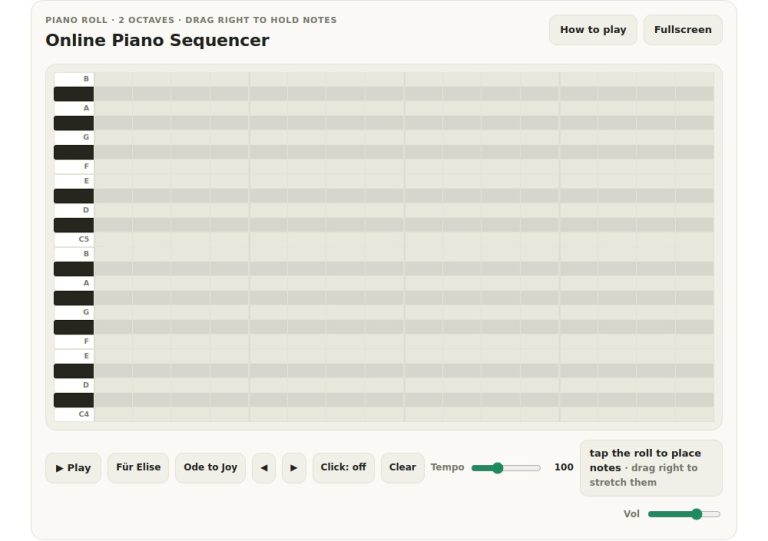
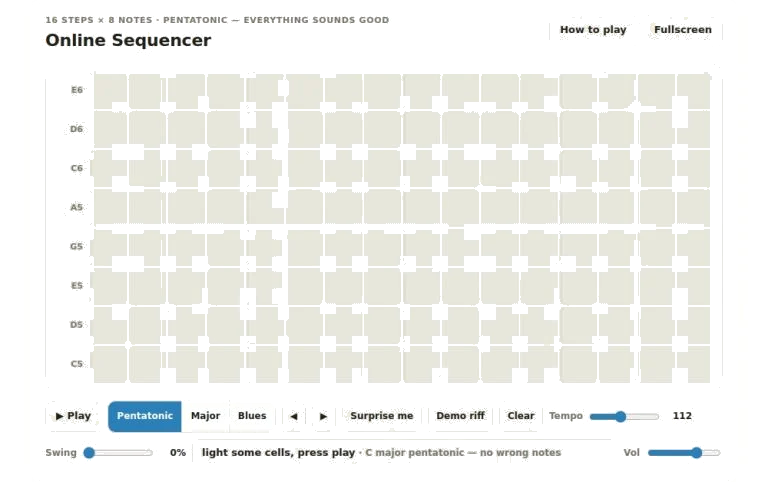
This happens because instead of playing the music in real time, it divide one bar of music into sixteen distinct steps where you place the notes. There are 16 columns and 8 rows in the main grid. As the sequence progresses from left to right through the grid, each column represent a moment in time. Every row represent a different note on the musical scale.
How to Use the Step Sequencer
All you have to do is tap on whichever square you’d like to include in your pattern. The square will light up indicating that it’s active. Once you hit the play button, all the active cell will trigger their sound. A visual marker will sweep across them, moving along the columns. If you want to deactivate a cell, just tap it again.
This makes it easy to see your melody not as a stream of notes but as a shape created in the grid.
Further down there’s where you’ll see the transport settings and controls. The play button plays and pauses the loop. Alternatively, pressing the spacebar on your computer keyboard will enable or disable the playback. This lets you keep your hands on the keys while starting and stopping the playback easy.
Next to this, you have 3 scales to select from with the pentatonic being the default. That means all combinations of notes will be pleasing and harmonious sounding. If you prefer a wider selection of notes then select major. This gives you a more full-toned sound. For something grittier and expressively bluesy than select blues. Your pattern stays intact but the pitches in the rows will change to match the selected scale.
The Tempo slider adjusts the speed of the sequence in Beats Per Minute (BPM). By dragging this slider to the right you will make the loop play faster and by dragging it to the left slower. So if you’re trying out different melodies you can drag the tempo slider around and see how your melody plays out at various tempos.
The Swing slider introduces a shuffle into the rhythm of the beat. Every alternate step is delayed as you increase the swing value. Instead of a rigid mechanical pulse, your sequence has more of a human grooving feel. Use these two controls in combination to create the feel or character of your loop.
To create a pattern from scratch, hit the Surprise Me button for some inspiration. A randomized collection of notes will appear on the grid, ready to be edited and refined. For an idea of what this looks like with a whole phrase, there’s the Demo Riff button, which populates the grid with a pre-made melody so you can learn how it fits into the sequencer. If you wish to erase everything and start anew, simply press the Clear button.
Finally, the arrow buttons allows you to nudge your full pattern either left or right. This shifts all the notes in your pattern one step back or forth, maintaining its shape but altering the groove in a snap. The rightmost slider governs volume. Here, users can increase or decrease their master output level so that they don’t have to deal with bad sound levels for their ears.
As you interact with the widget, some small hints in the readout area above the sliders shows which scale is currently active. If you want to refer back to the controls, there’s a help button in the top corner that will expand a full guide. Alternatively, you can use the question mark key to toggle the help panel.
To get the most out of this tool, add more than one note per column to make chords, or play around with a sparser pattern that lands just on the first beat of every quarter note for a more punchy feel. For starters, try a straight-ahead ascending line and work around the shift buttons until you lock-in with the tempo. Don’t worry about dissonance because the pentatonic scale is easy to use, and light up as many cells as you like.
The possibilities for melody and rhythm in this sequencer are endless. It strips out all the techy stuff that comes with composition and invites you to play with sound. Experiment with the various swing settings and scales. Listen to what sounds good to your ears, then change the patterns around until it feels comfortabley to you. Begin by hitting Play and just add one note at a time to see how the loop develops.