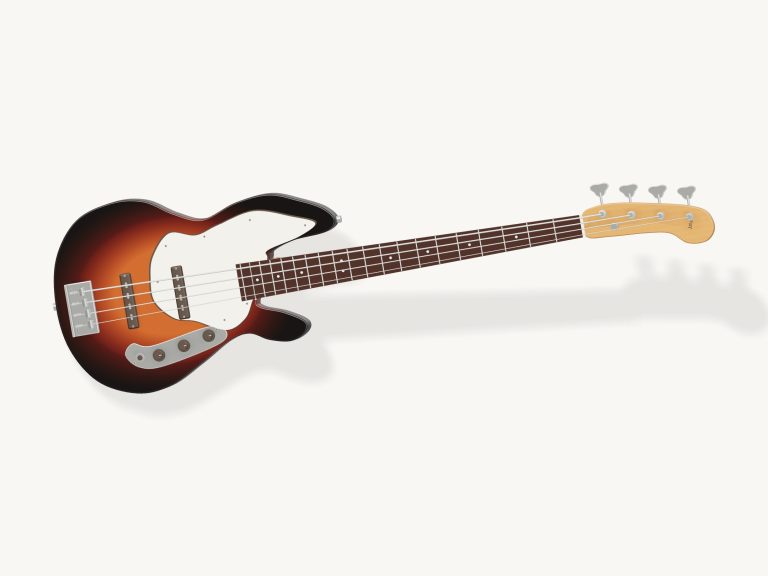
This is an online bass sequencer that allows you to play and write looping basslines right within your browser. If you’re familiar with reading a bass or even guitar tab, you’ll be able to dive right into writing some lines.
Interacting with the instrument couldn’t be easier; simply click on the grid with your mouse or use your computer keyboard to quickly control the playback of what you are doing. The interface is easy to use, placing the pattern editor front and center while sound shaping tools and transport controls is always just a click away.
How to Use the Online Bass Sequencer
That’s what the sixteen-step grid is for; it’s the core of this instrument. If you look closely, you’ll see sixteen vertical columns. These are time steps in a four-bar loop. Then there are four horizontal row. These are the four strings of a standard bass, with the high G string on top going down to the lowest E string.
Below the grid is a row of buttons where you select the fret you want to play. The numbers go from zero (for an open string) through twelve. Once you have selected a fret, clicking a cell in the grid will make it light up and display the fret number.
To play a note, just choose a fret and then click any cell in the grid. The note appears in the cell, lighting it up as well as showing you the fret number. If you want to delete a note, simply click the same cell again. It removes the note and unlights the cell. So you can quickly create patterns by keeping a fret selection and tapping away on the same string at various positions.
Two unique rows under the primary grid give your sound extra flavor. If you turn the pop row switch to ON in any given step, the bass will play a slapping sound during that step. It’s the same as having the round fingered note plus a percussion hit (but with a bright percussive snap). It is great for slap-bass or other funk-style groove.
The ghost row plays pitchless but muted thumps to your pattern. Think of them as adding rhythmic fullness to your groove while not adding anything in terms of pitch. It makes your groove seem all the more human and naturaly. Again, you have independent control over turning these effects on/off per step.
Below the grid and fret selector are the transport controls. The large play button begins and ends the loop. You can also use the space bar on your keyboard to do this. This keeps your hands close to the keys when trying out your pattern.
The tempo slider moves the loop at anywhere between sixty and one hundred and sixty beats per minute. It is great if you have a tricky line to learn and want to slow it down, or maybe a simple motif you want to match to a faster track.
The swing slider adds a shuffle feel to the timing. Moving the slider towards swing delays alternate steps. This turns straight sixteenth notes into more of a laid-back rhythm, which is common in many jazz and funk basslines.
For starters, there are also the preset groove buttons to quickly start your session. There is a driving disco eighth-note pattern, a syncopated funk pattern with its pops, a walking line that steps chromatically across a bar, and a root to fifth pattern popular in country and rock. Loading one of those presets fills the grid instantly with a solid starting point to tweak as needed. Swap out single notes, add some swing or nuke it all and begin anew.
The master volume slider allows you to set the output level so the bass sits nicely in your mix without clipping.
Here’s a handful of useful pointers to ensure most enjoyment using it. Always try to place one note in each column instead of playing several strings at once. Basslines are just that: bass lines or melodies. Unless you’re aiming for some kind of double-stop effect, chords written on the bass can sound mucky.
Don’t be afraid to make generous use of the swing control when programming any disco and funk patterns to add that desired pocket. If composing walking lines, aim for the root notes to fall on the downbeats and the passing tones on the offbeats to create the sense of line movement.
For those who aren’t familiar with how the tab is laid out, the lower readout shows what note is being played and its step number. Try combining various rhythmic elements like pitches, pops, and ghost notes within the same bar. Combine all three and you have a dynamic moving line that can breathe.
If you’re working on a smaller device the fullscreen button opens up the interface for an unrestricted editing session. If you find yourself lost the help panel has everything laid out as a handy reference to remember.
Once you’re familiar with how it works, disable the presets and begin creating your own grooves from scratch. You’ll be able to hear exactly what’s happening as you make edits in real time. You should of begun with just the root note on the beat, then try adding a passing tone before gradually increasing the complexity.
Now you’ve got a bass studio in your browser.