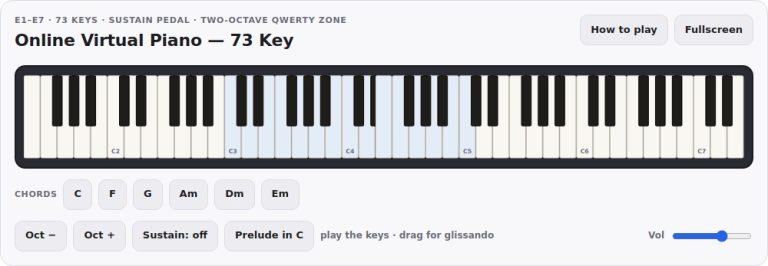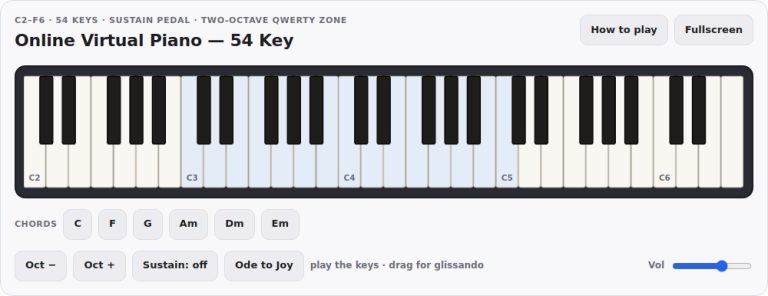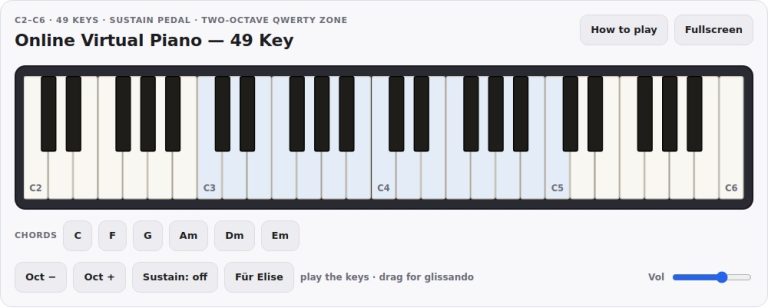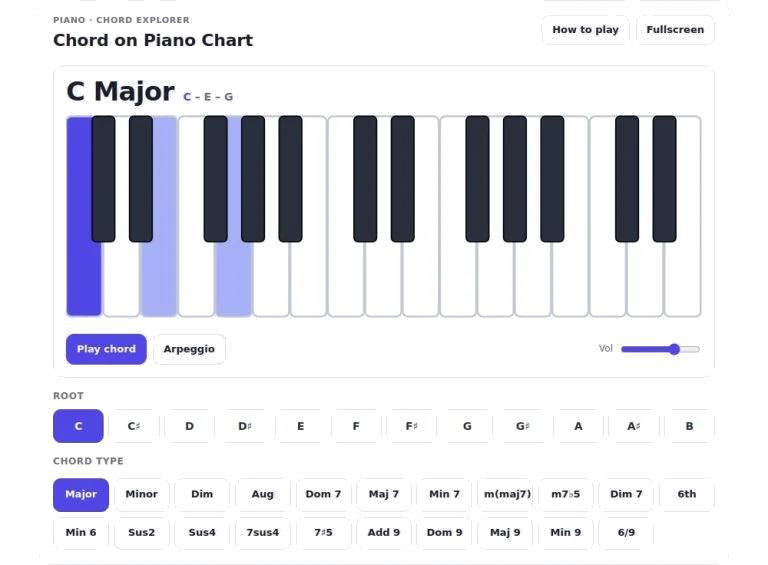
This chord explorer allows you to both hear and see chords from the piano within your web browser. It’s easy to use as there’s no setup required. Just play around with your mouse/trackpad; alternatively, if you want a quicker workflow, use your computer keyboard.
At the very top of the widget, you’ll find buttons that allow you to expand it to fullscreen and turn on/off help text. In fullscreen mode, you get a bit more space for your keyboard (handy if you’re on a smaller screen and don’t want as many distractions). If you remember how a feature works but have forgotten the details, the help button display a brief explanation directly on the page, no scrolling necessary.
How to Use This Chord Explorer
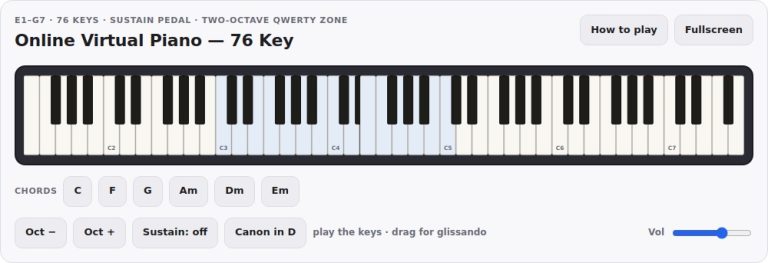
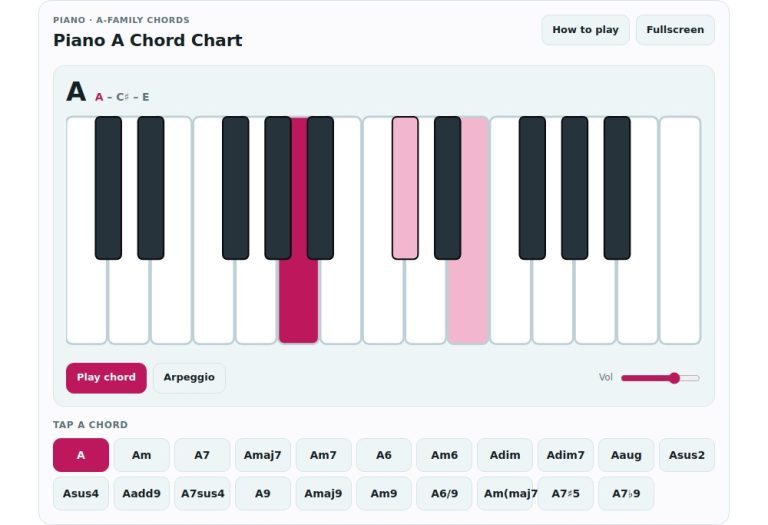
Underneath all of this sits a realistic representation of a piano keyboard with black and white keys as they should be: two per octave for whites and three for blacks. This allows you to see at a glance where the chords is located. Simply choose a chord from the list and its constituent notes is lit up in blue to indicate what they are. The darker blue highlights also show you the root note of the chord, letting you quickly spot the basis of each chord too. Clicking on any key on the diagram will play just that note which is useful if you want to check the pitch of a single note in the chord.
Below the keyboard are two transport buttons that control the playback of the music. One button (the one further to the left) will play all of the chosen notes simultaneously, which allows you to hear them all as a block chord and get a feel for the entire harmonic texture immediately. The second button (arpeggio), however, will spread the identical set of notes in a broken-up fashion from lowest to highest. This is because it’s simpler to pick out each individual note and grasp their stacking in relation to one another. To the right of the buttons is a volume slider that controls the overall output level so you can have it sit comfortabley alongside any other audio on your system.
Two lines of selection chips form the bottom half of the widget. The top line show all twelve musical notes from C to B. If you click on one of these letters, it will set that note as the root of whichever chord type you have selected in the bottom line. This means you can instantly transpose any harmony anywhere in an octave range. The bottom line provides a large selection of different types of chords such as major, minor, diminished, augmented plus many seventh and ninth varieties too. Clicking on a chord type will alter the intervals but retain the note of your chosen root.
If you don’t like to use a mouse, don’t worry, as you can also interact with it using your keyboard. To move around the twelve root notes simply use the left and right arrow keys on your computer keyboard. If you want to quickly browse the list of chord types just use the up and down arrows. When ready to start playing press the spacebar which will perform the main play action. If you need help, press the question mark key to show or hide the help panel. Press the F key to toggle fullscreen mode.
As with any tool, practice is required to get the best results, but if you fix the root note first and then cycle through each type of chord that’s available you will begin to see how altering only an interval can change the emotional colour from bright to dark, from tense to resolved. Alternatively, you could listen for a small variation between two similar chords, such as a dominant seventh versus a major seventh, to hear how they are both similar and different. Extended chords such as the added sixth and ninth chords work well too when exploring the arpeggio mode. You can clearly hear the individual notes of the chord and how the upper extensions sits over the underlying triadic structure.
This also helps to lock in the understanding of the harmonic movement of any song that you may be studying so you can map out the chord progression by choosing your root and then typing the type next. It is very responsive to any input making it easy to explore without any complicated set-up or waiting for the widgets to load. Not only does it help with ear training but it’s also like a handy reference chart for those who learn through visuals too. Whether you are a composer working on progressions or a student checking your fingering, this widget make it simple to try out ideas quickly.
Go ahead and explore some of these and see how their sound alters when you switch them out. Combining what you hear with what you see creates a clearer understanding of music theory concepts. Select a basic major chord and work from there adding slight changes until you become familiar with how things change the tonal quality. Let your ears lead you towards the one that works best in terms of your musical goals.