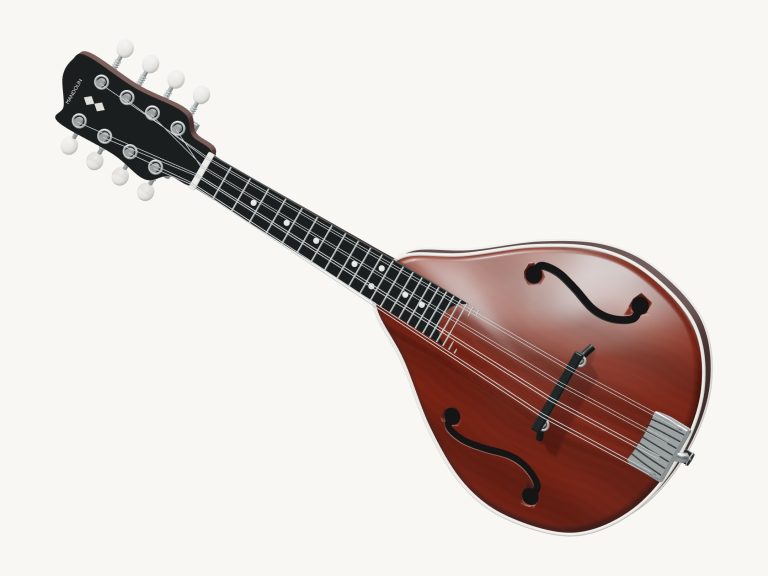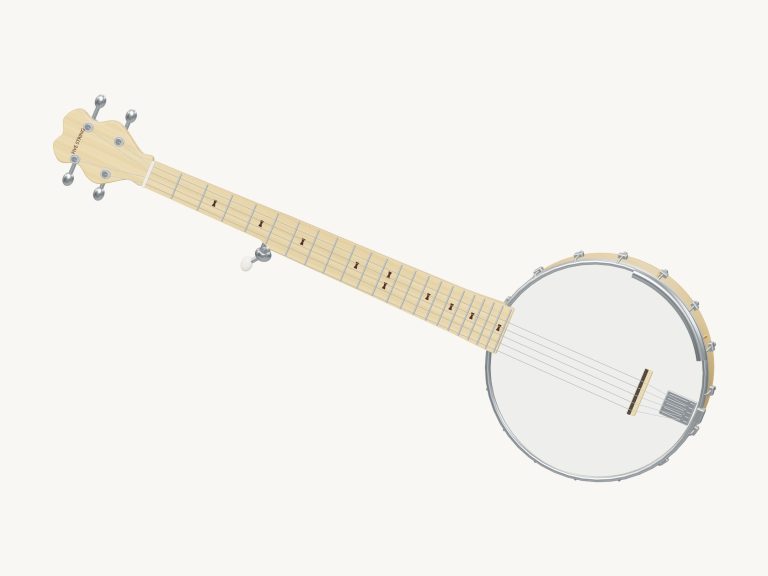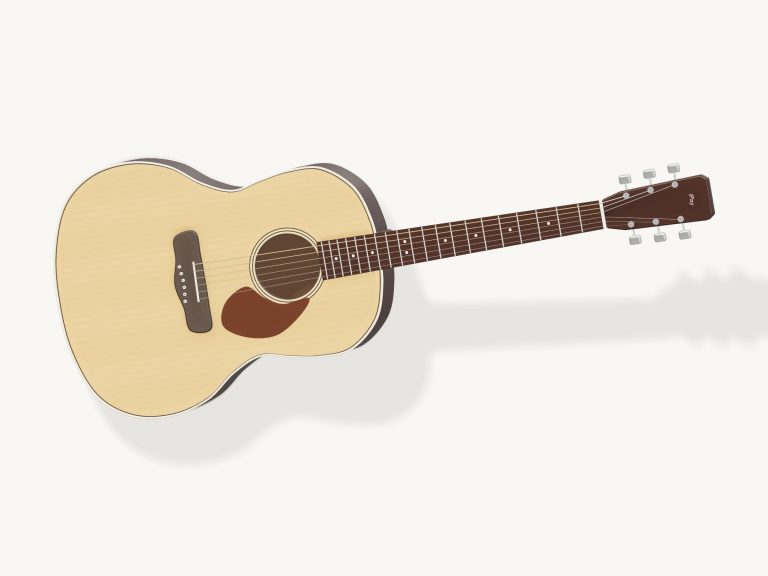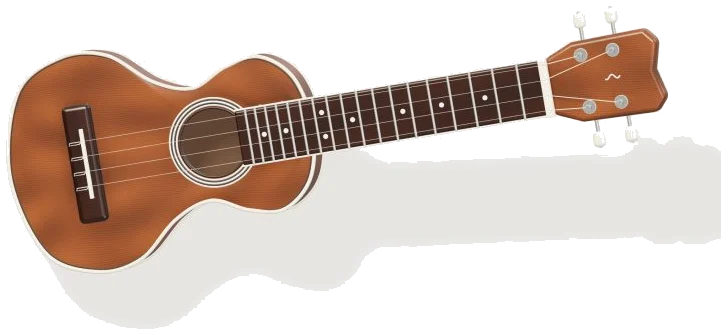
This virtual ukulele puts a real-sounding one right into your web browser. A 3D model appears onscreen; you can zoom, rotate and even strum it (with a swipe). It’s not just any old sound: every note and chord is played back using recordings of an actual ukulele. It’s playable by mouse, with your fingers if you’re on a tablet or phone, or on your computer keyboard. And there’s no need to sign up or install anything.
To start playing, just click the Enable sound button at the top of the widget. When the button turns into Sound on, you’re good to go. Clicking the sliders icon opens the Playing & sound settings. The Fullscreen button (also available by pressing F) makes the ukulele take up the entire screen. The question mark opens a quick guide. Pressing Esc exit full-screen mode.
How to Play the Virtual Ukulele
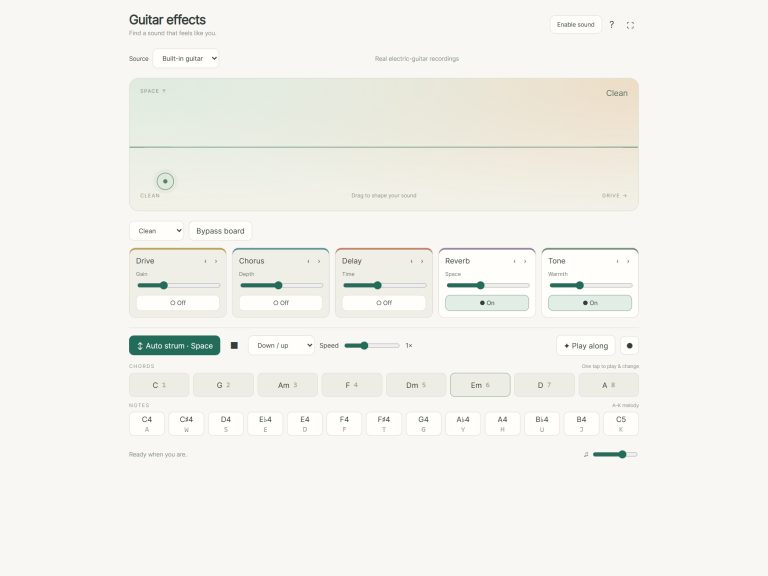
Chord pads are the fastest way to create music. Just tap on a chord and you hear it strummed immediately. It has eight chords: C, G, Am, F, Dm, Em, A, and D. They’re played across the keyboard using the number keys 1 to 8. Once you’ve tapped on a chord, it remains selected, allowing you to continue strumming it or tapping it again.
If you’d prefer not to strum but instead pick chords quietly and do the strumming yourself, then turn Tap chord to strum off in the settings. Up and Down buttons move up and down respectively. Tap Strum for a single stroke, then hold Strum with one finger while tapping chords with another. It won’t start again from the beginning but will continue at the rhythm and change to your new chord on the next strum.
On the keyboard, use Space or the down arrow to strum and hold the rhythm. Use the up arrow to strum up, and Esc to stop playing. Swipe across the strings of the 3D ukulele on a phone to strum it.
Tap a chord to play along with a ukulele that plays automatically when you click Auto. Set the tempo between 40-180BPM and choose a pattern: Downstrokes, Island strum, Waltz, Fingerpicking. Tap again to stop the rhythm and silence the ukulele.
The Notes row contains the single melody notes of the C major scale from C4 up to C5. These are played by the keys Q W E R T Y U I. Beneath this is the fretboard displaying all four strings from the lower fret (numbered 0) through to the higher one (fret 12). You can see both halves of the neck on screen simultaneously.
Tap on any fret to hear that note played, then tap on it again to repeat the note. Note that fret 0 will release the string back to its open pitch. To pluck a string, simply tap on the G, C, E or A label at the beginning of each row. On the keyboard, the strings are plucked by tapping H, J, K and L which match the G, C, E and A strings respectively. The ukulele is contained within its own frame on the page so make sure you click within it first before using the keyboard.
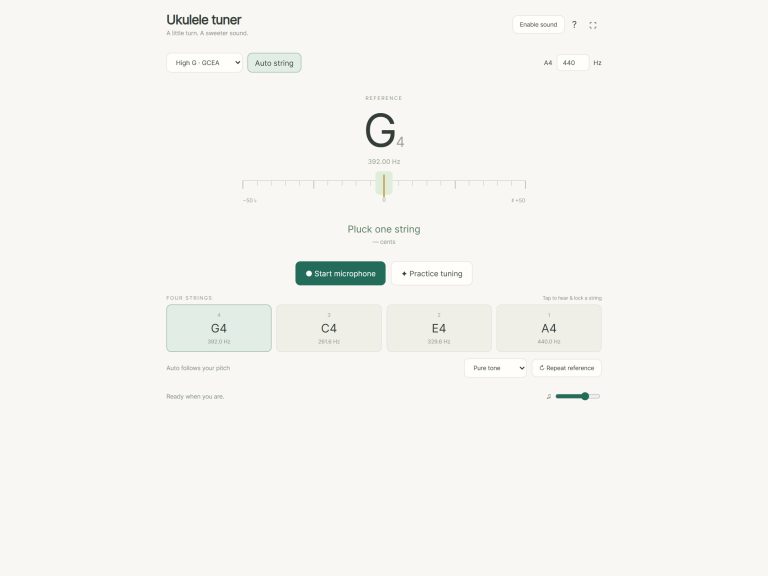
This ukulele is tuned to G, C, E, A. Which is the standard ukulele tuning. Like a real ukulele, the G string is higher pitched then the C string. It is that tuning that makes the online virtual ukulele so happyly bright.
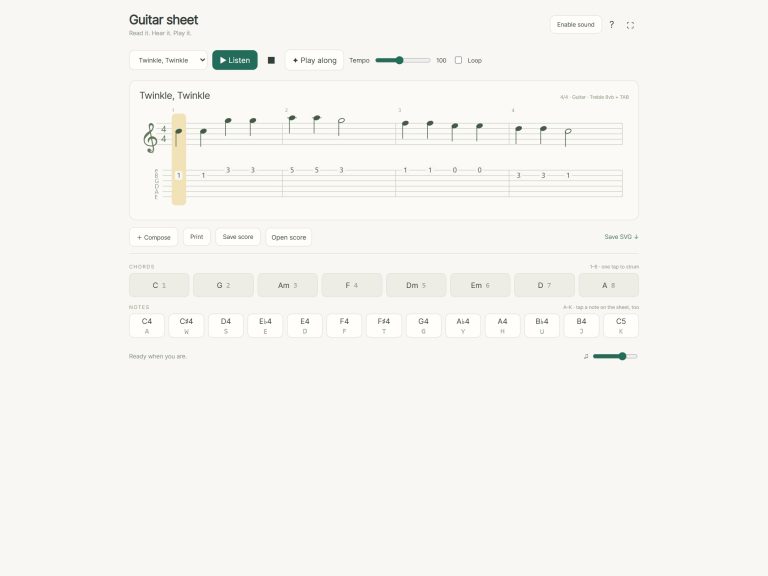
Select a Song from the Song menu. There’s Ode to Joy, Twinkle, Twinkle, and Island strum. Tap on Game mode to play it, or Listen to hear how it goes first. What to play is shown in green, with amber marking the next different chord or note ahead of time. A badge like PLAY ×2 indicates that you must tap the active pad twice before continuing. Play at your own speed… No skipping ahead if you get a wrong note. Tap pause to keep your spot, and tap restart to start over.
Volume, Tone, and Room are located in the Playing & sound settings as well. Soft, Natural, and Strong adjust how hard you play which impacts the tone and loudness of your playing. X (chuck) is a muted strum with an added percussive element. B (Body Tap) taps the ukulele’s body. Open All Strings lets all the strings return to their open notes.
Keep playing, then click Rotate 3D and turn the ukulele. Still drag your finger across the strings to strum, and tap the frets and strings at any angle. To rotate, just drag the empty space around the body or drag the body itself. Zoom in by starting a pinch away from the strings. Reset view returns you to the front playing view.
For the online version of the virtual ukulele, they have taken actual recordings from Mateusz Dąbrowski who has made them freely available through the free FreePats library. They have recorded 13 pitches on the instrument, plus both a body tap and a muted chuck. These then get pitch shifted to fill out the notes in-between.
If you’re just starting out on the ukulele, begin by learning C, Am, F, G. Those are the four chords for the Island strum song. Tap them in time while holding Strum. Next, try playing along with Auto while using the Island strum pattern. Once that’s mastered, go into Game mode and start learning Twinkle, Twinkle, one note at a time.