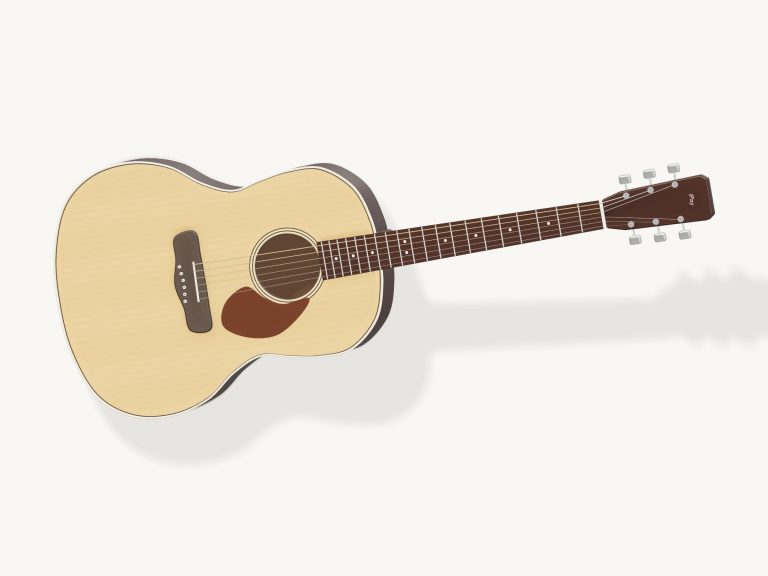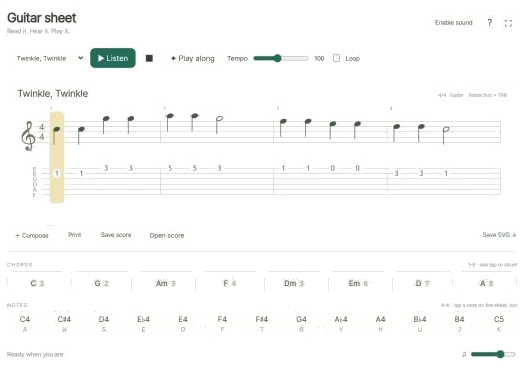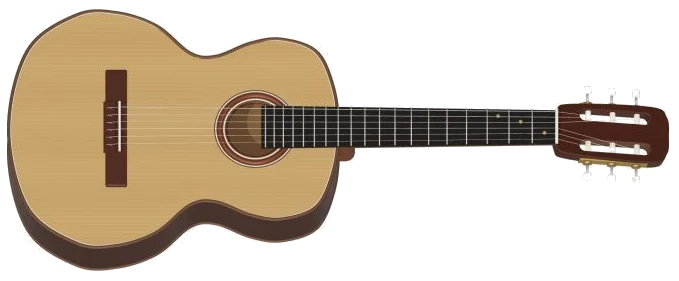
Play a classical guitar online in your browser. This is a very detailed 3D replica of a wooden, nylon-string classical guitar that you can play directly in your browser. Zoom in on the model and even turn it around. Each note is played using 31 recordings of a genuine Spanish classical guitar. What you hear is not a synthesizer but real guitar. You can play using your computer keyboard, your fingers if you have a tablet or phone, or even with a mouse. No installation or downloads required.
First, hit the Enable sound button at the head of the widget. This starts loading the recordings. As the recordings download, you see the number count upwards. When they’re done, it says Sound on the guitar are ready.
How to Play the Online Guitar
Next to it is a Round Record button. Beside it is a Fullscreen button that makes the guitar fill your entire screen. There’s also a question mark that takes you to the credits and help. Pressing Esc or hitting the Fullscreen button again return you to the page.
To get going, just pick up and play the 3D guitar. To strum the guitar, simply drag your finger over the strings (hint: underneath the guitar). Then tap the frets along the neck for individual notes. If you’ve selected a chord, the fretboard will have amber dots that indicate how to finger the chord. Once you’ve played the note/chord, its name appear at the top of the stage.
These are the CHORDS pads: C, G, Am, F, Dm, Em, D and A. These chords are chosen and strummed from the keyboard using the number keys (1-8). To play a chord, all you need do is tap once. Because the guitar begins with C, you’re able to start strumming immediately.
Six string pads is also present. These represent every string from low E2 through to high E4 with one pad per string. The chords is fingered in exactly the same way as they would be played on a real guitar. From the keyboard this is achieved by playing the notes Z, X, C, V, B and N respectively. If the chord mutes a string then there is a dimmed pad indicating this. It will not sound, just like on a real guitar.
There are 13 note pads in the NOTES row. They span an entire musical octave from C4, C5. They’re positioned on A, W, S, E, D, F, T, G, Y, H, U, J and K. That’s like the keys on a piano; they zig-zag across the two rows (the home row and the row directly above it). Each note pad displays the key that plays it.
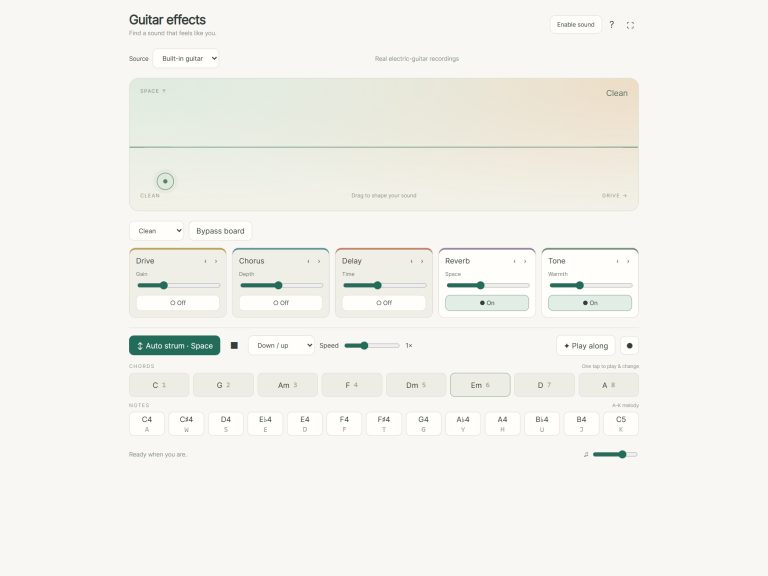
There is also a frame for the guitar on the page. Before beginning to play from the keyboard, click inside the guitar. Press Space bar, or click Auto strum for a regular beat. Strumming appears on the button. Now the guitar will continue to play the same chord on its own. Keep changing chords with just a single click.
There is a selection of patterns in the menu: Down / up, Downstrokes and Fingerpicking. The slider controls the speed from half speed through to double speed. This not only determines how fast the pattern moves but also how far apart the stokes are. It also sets the tempo of the song. Pressing the square stop button or using the Esc key stop everything immediately.
There are three sound settings that determine the tone. Default is natural nylon. Soft touch has a softer, warmer sound that plays more gently. Bright room sounds harder because it plays back more of the room’s sound with a brighter tone. At the bottom of the guitar there is the overall level set by a volume slider.
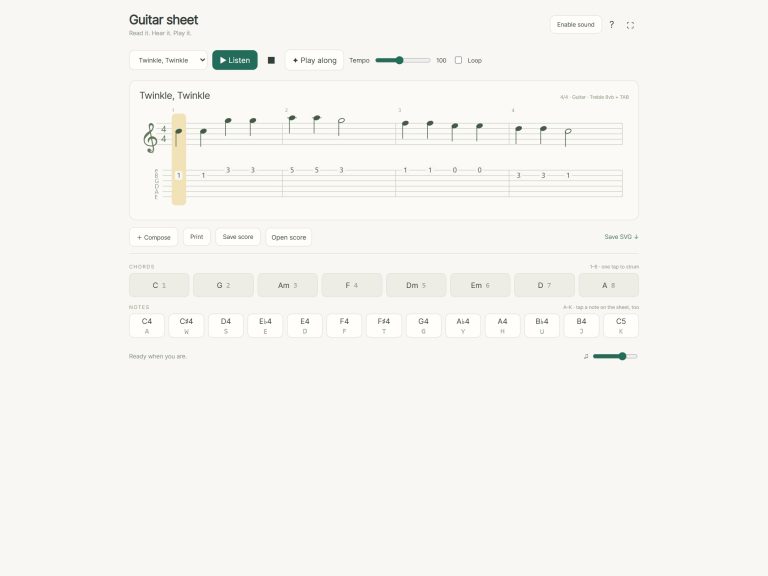
Campfire chords, Open road and Evening picking are on the song menu. There’s also Ode to Joy, Twinkle Twinkle and other songs. Listen to the selected song once by clicking Listen. You can then play along with the song using the guide that appears showing you which note or chord is being played. When it reaches the “Then” line, it shows you what comes next. The song has a progress bar and counter. When you finish, the guide invites you to have a go.
To play the beginner game, click Play along. The PLAY pad you need glows green, and the one that marks the same note or chord again is marked AGAIN. Where you should play appears as a green dot on the 3D guitar. As soon as you play the correct note or chord, the game progress. The remaining pads remain silent until you locate them. This means you can go at your own pace. It then shows what’s coming up in the next three steps. The progress bar and counter show how far you are into the tune. When you get to the end, LOVELY: The guide says, You played the whole tune. At any point, you can stop by clicking End game.
To record, you just press the Record button, which captures what you play straight from the guitar. There’s no microphone required. Pressing it once starts recording. Play what you want to record then click the Record button again to finish. The guitar will show a Save recording link at the bottom of the guitar. This allows you to retain your take. It records locally on your browser.
As you continue playing, click Explore 3D to explore the guitar from a different perspective. You can drag the background to rotate it. Pinch or scroll to zoom in and out. As you do so, the frets and strings remains playable. The button changes to say Front view. Click on that to return the guitar to its original playing position.
FreePats offers Spanish Classical Guitar under a CC0 license. This online virtual guitar sounds like a real nylon string guitar. Roberto created these recordings for his FreePats collection of Spanish Classical Guitar. The samples are shared using CC0. There are 31 samples. The original sample mapping is retained. No note moves more than a semitone away from its original recording. Tails have been trimmed to ensure smooth playback over the internet.
If you’re a beginner, pick the C chord and drag it slowly on the strings. Once you feel comfortable with that, try to switch from one chord to another. For example, try C, Am, F and G. When that’s comfortable, select Campfire chords. Click Listen first and then Play along. Always waiting for you. If Auto strum is too fast, turn down the Speed slider. That will give you more time for each chord change.