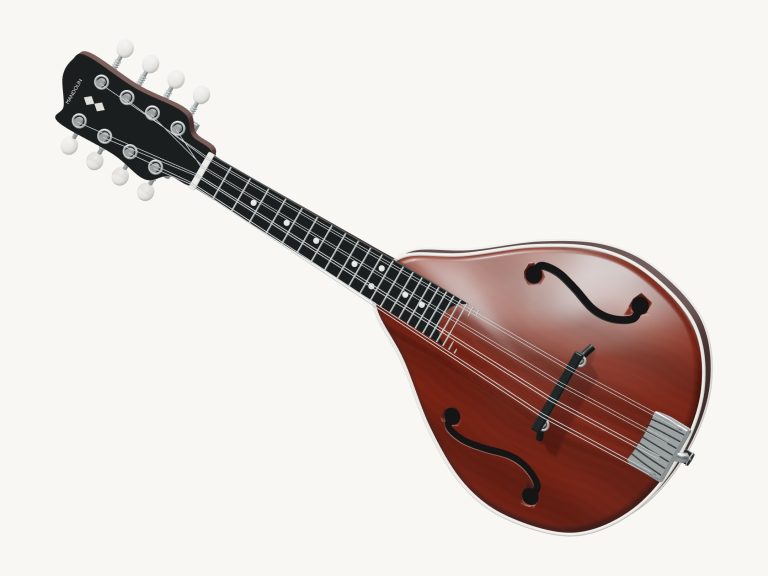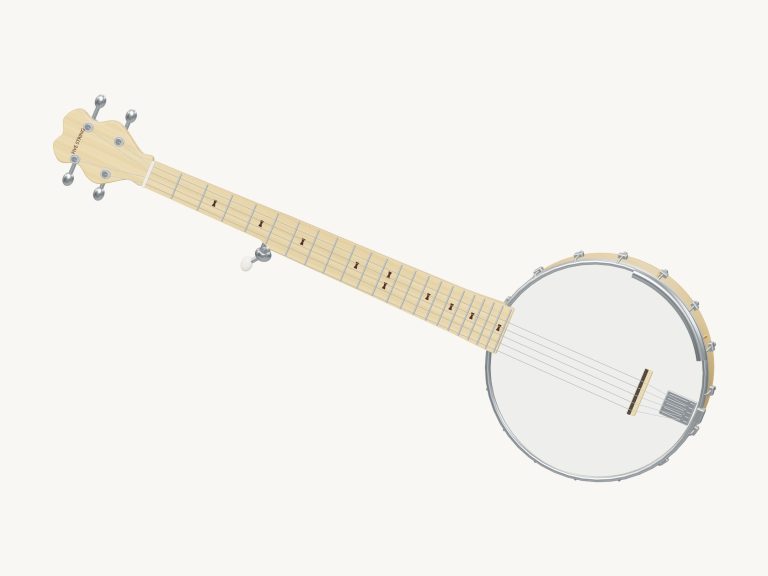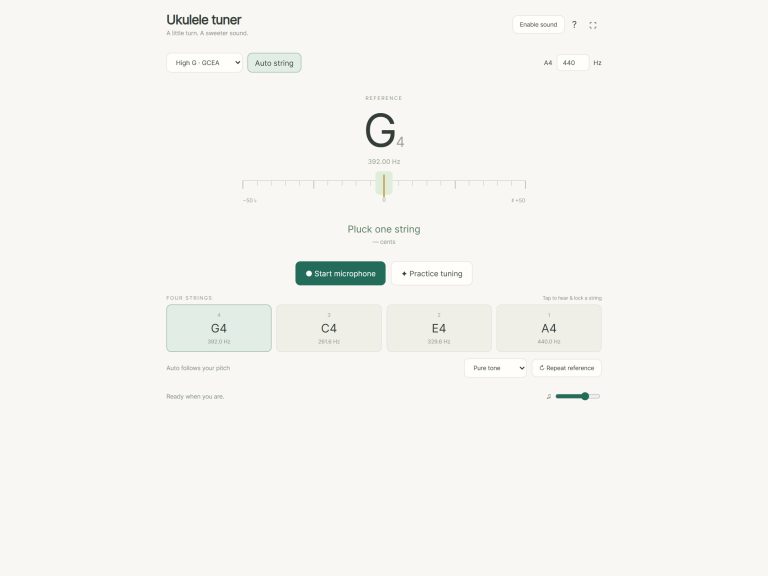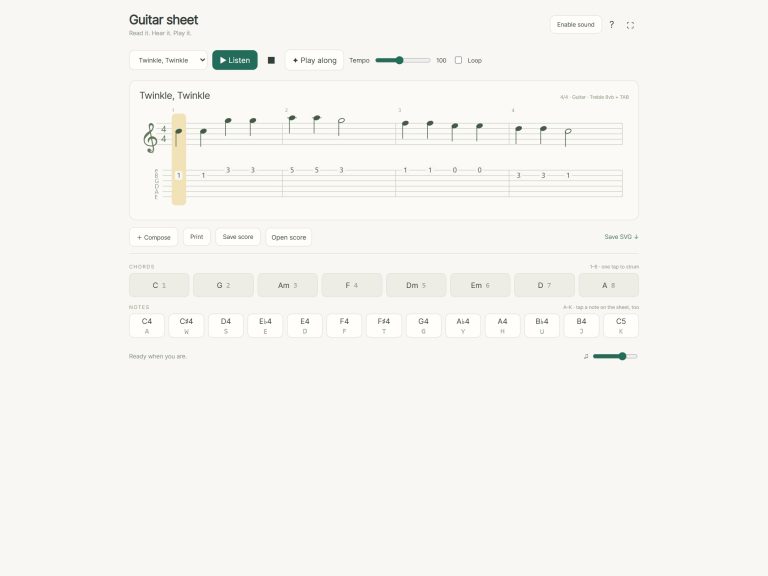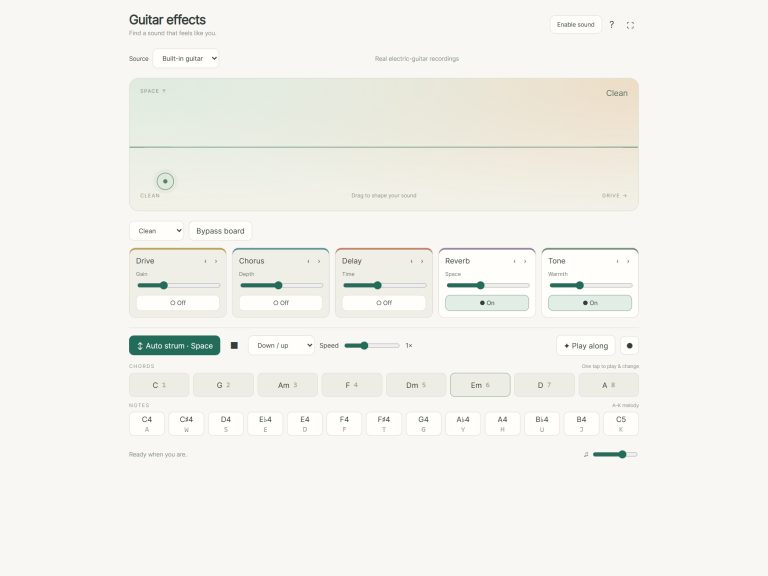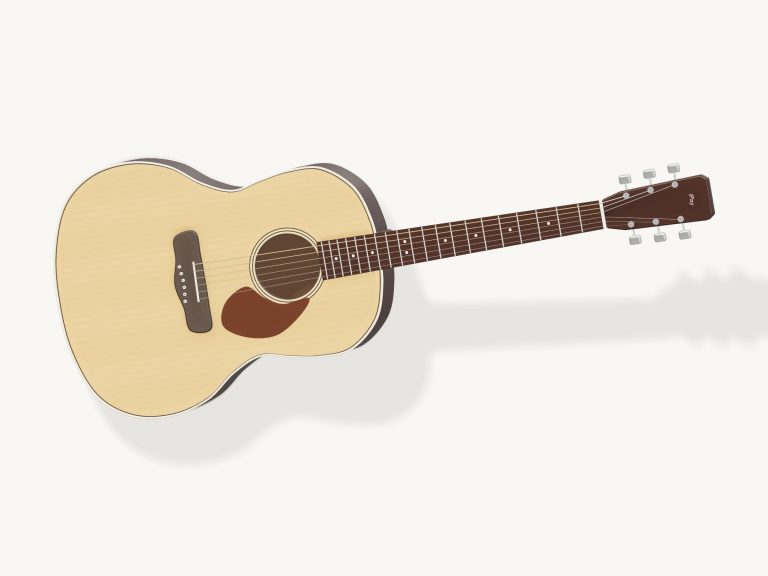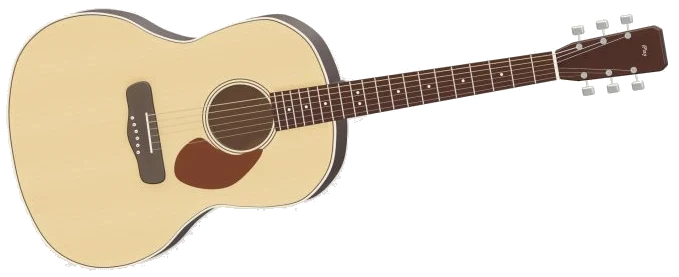
It is an online virtual acoustic guitar. With this one, you have an actual steel-string acoustic guitar inside your browser. It’s a detailed 3D model of a dreadnought-style acoustic guitar (shown below). You can zoom and rotate around the model. All the notes you hear are recorded from a real guitar, not a synthesizer.
Nothing to install; just play using a mouse, your computer keyboard or a touchscreen. You will see Preparing your instrument… on stage. Click Enable sound at the top of the widget. When it says Sound on, you’re good to go. You can mute the guitar by clicking it again. The question mark next to that opens up a brief help page with credits, and Focus take the whole screen for the guitar. You can exit full screen by pressing Esc or clicking Exit.
How to Play the Virtual Guitar
Strum the strings on the 3D guitar by dragging across them. The direction you drag determines how the strum moves. The faster you drag, the louder and brighter the sound of the strum becomes. Pluck an individual string by tapping it. Fret a note by tapping on the neck. Wherever you hold a string down is shown with an orange dot and the strings will even visibly vibrate.
In the top corner of the stage is the chord name and shape. For example, C = × 3 2 0 1 0. On the stage below are eight chord pads: C, G, Am, F, Dm, Em, A and D. These can be selected with one tap that strums the chord immediately. Similarly, pressing the number keys 1 to 8 on your keyboard does the same thing.
The big ↓ Strum / hold button plays one down strum if tapped quickly. It keeps the guitar strumming in time as long as you hold it down, allowing you to change chords with either your other hand or by tapping the number keys. The ↑ Up button will play an up strum just once, and Auto will keep the rhythm going for you hands-free, until you turn it off again.
Next to this is the pattern menu that includes the options of Downbeats, Folk strum and Fingerpick. Downbeats strums once on each beat, Folk strum plays a lively folk style down, down-up, up-down-up rhythm, and Fingerpick picks the strings one at a time. At any time you can silence the guitar using the Stop button or the Esc key.
On the keyboard, these are the keys: A S D F G H that pluck the six strings one by one starting from the low E string and rising to the high E string. These are the keys: Q W E R T Y U I that play each note of a C major scale (C4 to C5) with single notes. Click inside the widget first then play from the keyboard.
Flat Map Of The Neck, Fretboard Grid: Rows represent the standard tuning (EADGBE), and each cell has a note name within frets 0 to 12. Each row corresponds to a string: click the string name on the left to pluck that string; click a cell to play the string held at that fret. A × means the string’s muted, and orange dots show what chord you’re holding. Explore shows if you’re not holding an eight-chord shape; tap Open strings to make them all ring open again.
The play along menu is where you’ll find four brief pieces to play along to. There is the chord tune Porchlight, based around C, Am, F and G. There are the melodies of Ode to Joy and Twinkle, Twinkle. Finally, there is the folk piece Midnight folk that rambles through Am, D, G and Em. To hear what’s playing on a loop, click Listen, and to stop, just click again.
The speed is set in the tempo box, between 40 and 180 beats per minute. The tempo starts at 96 and also controls the strumming patterns. On the 3D guitar, and also on the pads, green indicates what to play now and amber indicates what’s coming next; a line like PLAY Am · 3/13 tells you the next few steps. Each time you get it right you move on instantly. If not, you get a friendly hint as to what to try. At the end, you will see how many times you got it wrong with a “Well played!” message. You can start again with ↺ or pause using the Game button. Auto is switched off while a game is in progress.
There are only the handful of settings you need sitting right on the main screen: the tempo box, the pattern menu and the VOL slider for loudness. The status line confirms that you’re in standard tuning with A = 440 Hz. Click Rotate 3D to see all around the guitar. Pinch or use your mouse wheel to zoom in/out. Drag on the body of the guitar (or the blank area surrounding it) to spin the instrument around. You’ll be able to strum while rotating. From any direction! Clicking Rotate 3D again will return to a regular view; the little house button restores the default view.
This is an online virtual acoustic guitar. The sound is taken from recordings of real steel-string guitars in the MuseScore General 0.2.1 / FluidR3 sound library. This library uses the closest recorded note as a pitch-map for the notes in-between. All the FluidR3 recordings are by Frank Wen and are licensed under the MIT licence. The complete notices can be found on the help page where there’s also a Full licenses button. The arrangements and 3D model were created for iPlayMusic. The Twinkle, Twinkle and Ode to Joy melodies are in the public domain.
For beginners on the guitar, try starting with Em and Am. They require just two and three fingers respectively. Use the Downbeats strumming pattern against the Strum button as you alternate between these chords. Next, reduce the speed to something more comfortable and practice alternating between C, Am, F and G in Game mode using Porchlight. There’s no rush, the online virtual acoustic guitar is waiting for you at each stage.