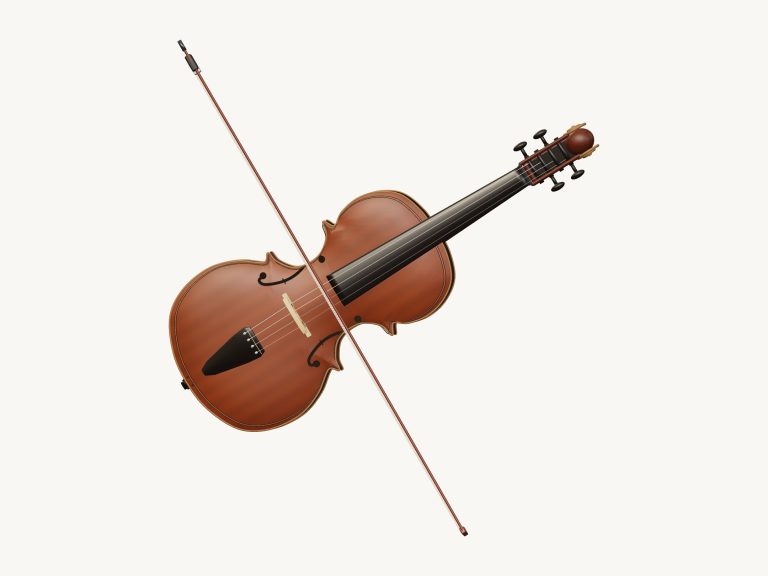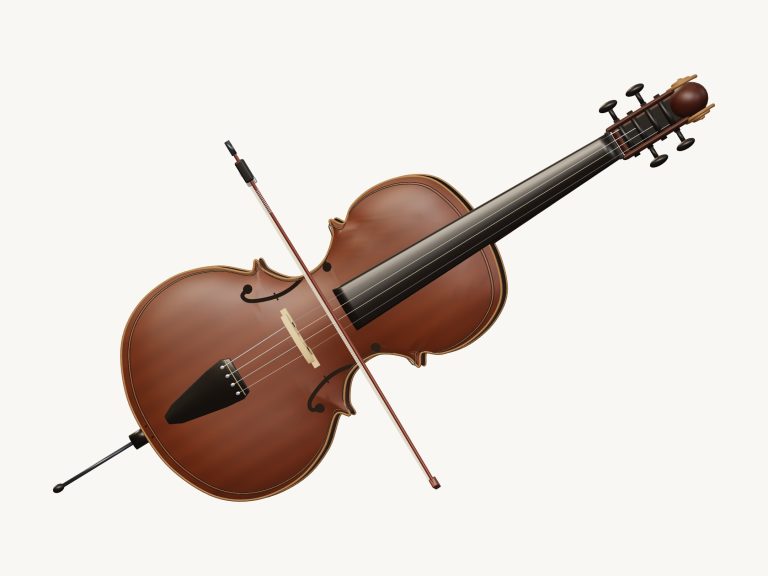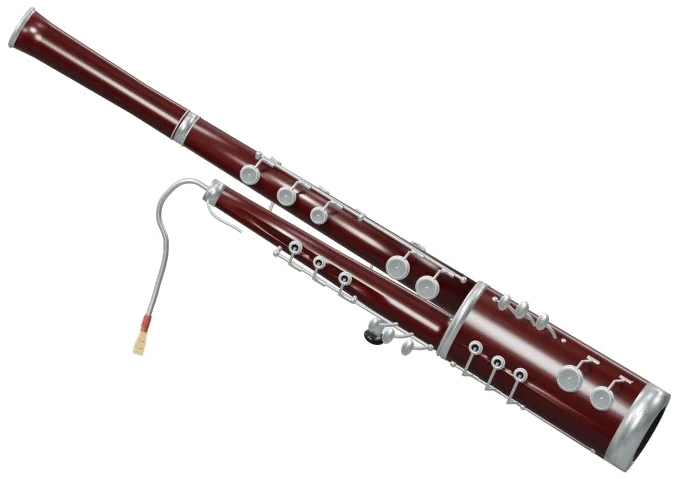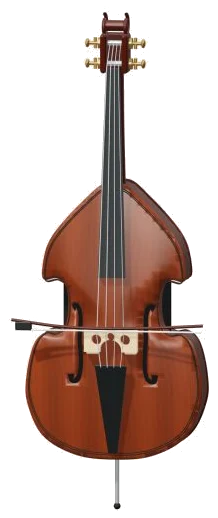
You can play a virtual double bass in your browser. No downloads needed. Just bow or pluck the strings on screen and you get the deep sounds of a real double bass.
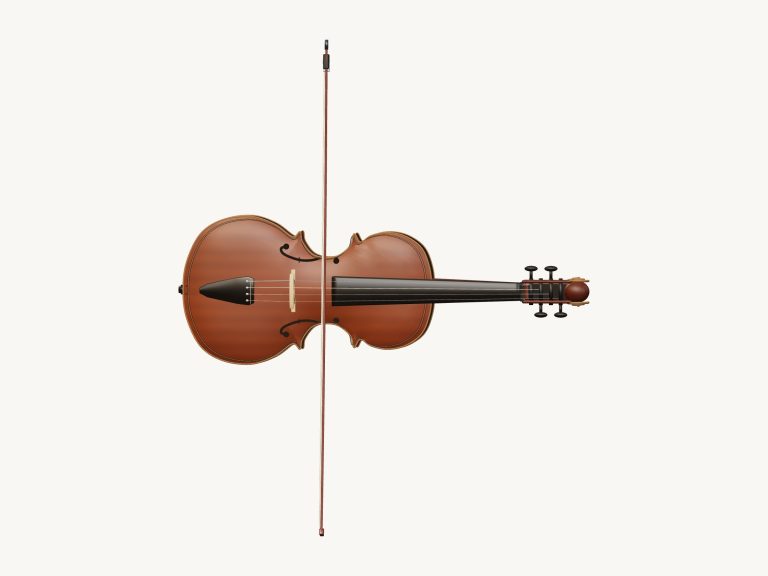
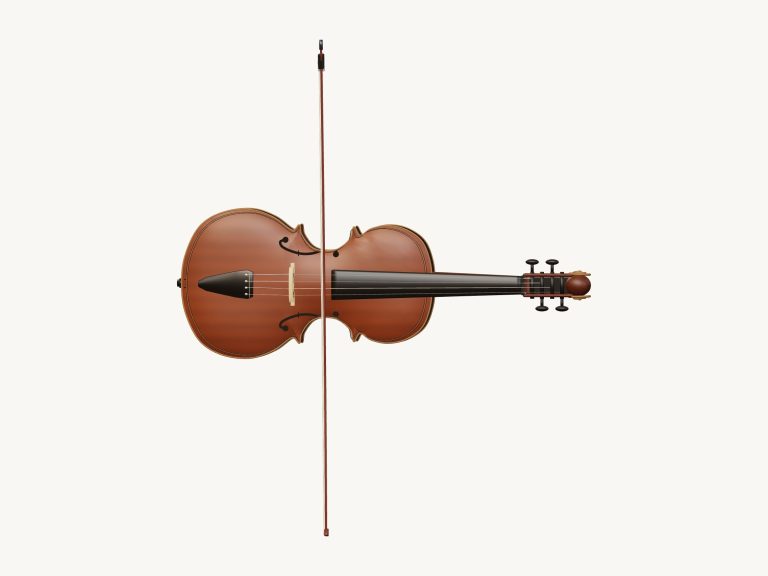
There are four strings tuned to G2, D2, A1 and E1. When you play the bow travels across the strings. Zoom in. Rotate the three-dimensional model. Everything you hear are taken from recorded samples; there are no electronic tones used here.
How to Use the Virtual Double Bass
Play with a keyboard, mouse or touch screen. No start button here either. Your first note starts the sound. When it’s ready you’ll see Recorded instrument sound on the widget. Tap on the question mark icon for the credits and guide.
Below the model are 25 note pads covering all the semitones from E1 to E3. Tap a pad for a short note or hold it to sustain the note. Alternatively, touch the fingerboard or the strings of the 3D bass directy. The 25 notes is played in sequence using the keys on your keyboard. The lowest note is an E1, which is the key marked ‘A’. The highest note is an E3 which is the one marked with a comma. You can see the letter that will activate each pad.
The bass has its own frame on the page where you need to click inside first and then use the keyboard. The final note you have played appear below the model beneath the bar.
If you press the Bow / pluck button while holding down the note it will sound. Keep bow holds the note once you’ve bowed it, so it will keep playing even if you release the bow. While the bow is still active you can tap another pad to alter the note being played. To turn this off click on Keep bow again.
The Esc key or the Stop button turns off all sound instantly.
There are three presets for the sound of the bass. By default, it’s set to Bowed, giving long smooth notes. For Pizzicato, the strings is plucked so they ring out and then fade away, and the bow dissapears. Warm bow has more echo in the room and a darker tone. If you use “Holding Bow / pluck” or “Keep bow” in Pizzicato mode, the note will repeat.
How hard you play is set with the Bow pressure slider. This makes the held notes quieter/louder depending on where you move it. Moving the Bow speed slider alters the sound of the held notes too. For bowed notes, slower means they have a softer start. On the Pizzicato side, this slider adjust the speed of repeated plucks.
Volume is controlled with the Volume slider. Echo is added via the Room slider, each preset moves it for you.
To open up the PLAY A LITTLE menu and learn some tunes, select Morning walk, Twinkle, Twinkle, or Ode to Joy. Click on Listen and the bass will play the tune for you. Click again to stop. The Tempo slider changes the speed different than 40-180.
To play the tune yourself click Game mode. The 3D bass and the pads turns green to show you the next note. What’s coming next appear in boxes together with the letter of that note. When you play the correct note game mode will wait for you and then move on. Your progress is shown by a progress bar and counter. You get to choose to play it again at the end.
Without a microphone, the Record button records what you play. During recording, the button say Finish take. Click it when finished and it will display a Save take link that can be downloaded.
To rotate the bass in 3D, click ↻ Rotate 3D and drag the background to turn the model. You can then drag anywhere in the background to rotate the model and pinch or use the scroll wheel to zoom. The strings continue to play as you rotate it. Clicking the Home button takes you back to the front view.
Beginners to the double bass should of begin with the Bowed preset. Use the pads to play the four open strings. Change to Pizzicato to hear Twinkle, Twinkle played slowly. Then, try playing along in Game mode.