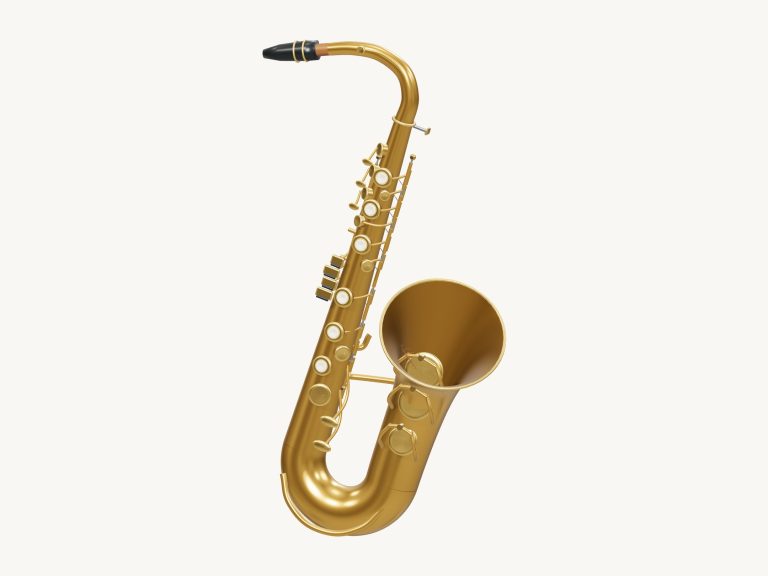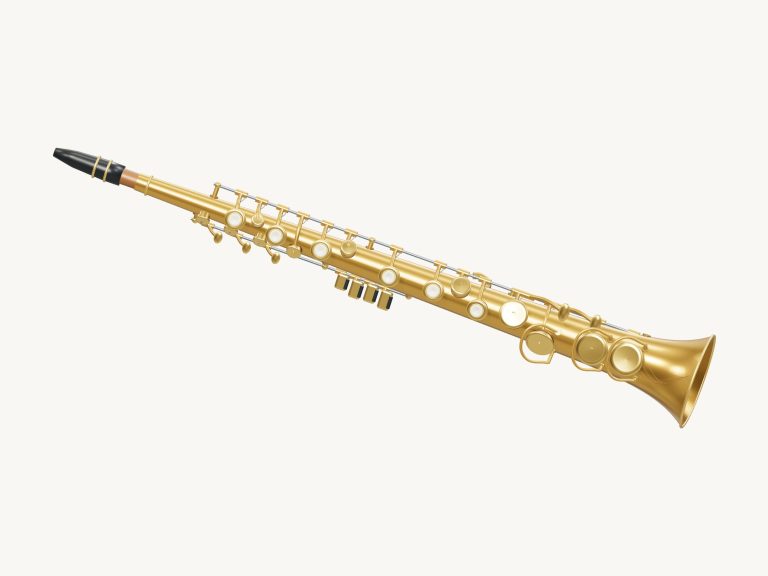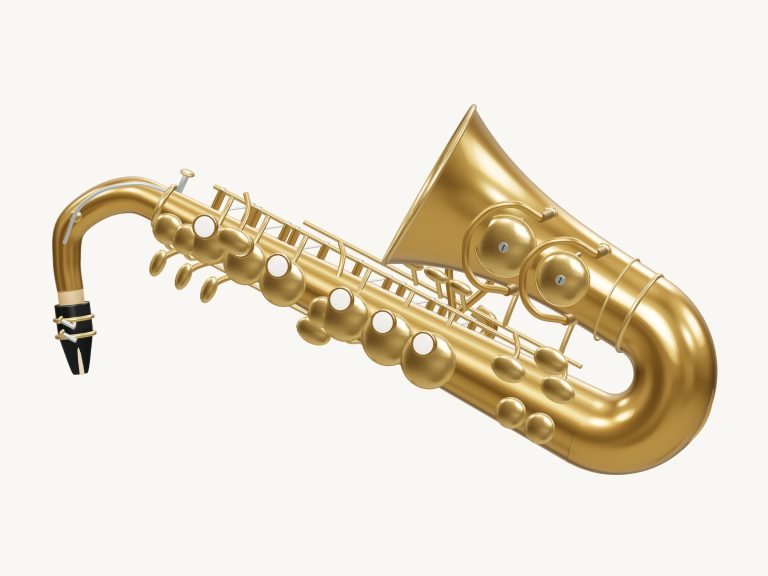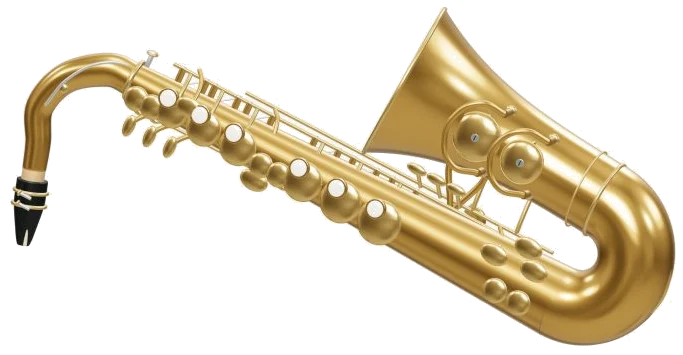
Play a B♭ tenor saxophone right here in your browser. It’s an interactive instrument that displays 3D model of a sax (with pearl keys and a curved neck). Zoom and turn the model. Real recorded samples is used for each note rather than a synthesizer.
To play, you can use your computer keyboard, your fingers if playing on a tablet or phone, or even just a mouse. You do not need to download or install anything. Ready · tap to enable sound is on the bottom status line at startup. When you tap a note, it will say Preparing recorded sounds…. Then it says, Sound ready.
How to Play the Saxophone
The help and credits are accessed via the question mark in the top corner. The Full screen ⛶ button makes the saxophone take over the screen. This will change to Exit full screen ✕ that returns you. You can also use the Esc key to return.
The row of note pads includes each semitone from written C4 to C6. That’s 25 notes. The sharps and flats is shaded a little differently than the natural notes. Holding a pad plays that note. Release to turn off.
Pads display written notes in the treble clef. Tenor is lower than written. So C4 as written would sound like B♭2. As you play, the stage will show both pitches. For example: Written D4 · sounds C3. The written note appear as a large note name.
There are keyboard shortcuts too for each of the pads. From C4 to C5 the keys are A W S E D F T G Y H U J K. The other keys are Z X C V B N M, comma, period, slash, and the left and right square brackets, which take you up to C6. As long as you keep the key pressed down it will sound a note. The Space bar triggers whatever note you have chosen. The saxophone sits within its own frame on the page. Before playing from the keyboard click inside the widget first.
Beside the pads, there’s a fingering box labelled main keys · L / R. This has six dots which correspond to the main keys of the right hand (RH) and left hand (LH). The filled-in dots shows the keys being used. Below this, it gives the name of the note. If an additional key is required, e.g. Low C key, Low C♯ key, E♭ key, G♯ key or B♭ bis key, then it indicates this too. Otherwise, it shows Main keys only. It indicates whether the Octave key is on or off. On the 3D model, the corresponding keys on both sides goes down together. According to the help, the diagram is a beginner guide to common fingerings.
Auto breath is for long flowing lines. Starts out as Auto breath: off. Turn it on and it continues to sound the note you select. Tap other pads to alter the pitch. No need to keep a finger down. Tap Auto breath again to turn it off. Dynamics is altered with the Expression slider. The volume slider at the bottom adjusts the overall loudness.
There are four songs in the menu. Each has its own melody to learn. The songs is First five notes, Ode to Joy, Twinkle, Twinkle, and After-hours walk. After-hours walk is an original blues exercise. To listen press ▶ Play song. To pause and resume use the same button. To play the song in a loop press ↻ Repeat. To stop playback press ■ or touch any of the notes while the song is playing to take control.
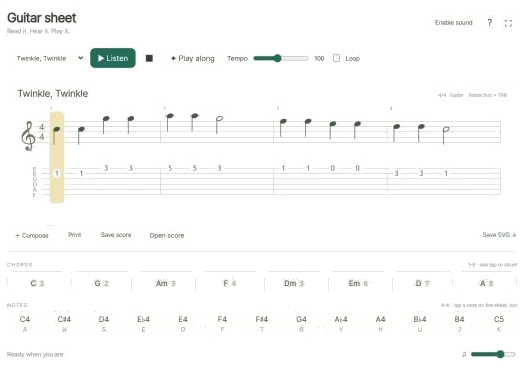
The Tempo slider goes from 50 to 150. If you choose a song it will have its own tempo. For First five notes, this is set at 88. For Ode to Joy and Twinkle, Twinkle it’s 96. And for After-hours walk it’s 104. It shows the score of the chosen melody on a treble-clef stave. You can see the time signature and the key in the header. Beneath each note, the name of the note is printed out. When you tap on a note it will play. As the music progresses the page turns automatically. You can also manually turn the pages with the ‹ and › buttons.
◇ Game: Play this when you are up to having a go at it yourself. Tap the green note in the game. The next is shown in amber. Tap correctly and it moves straight on. The guide says what note to play, the next note and how many notes left like this: 3/9. If you tap another note it tells you which to have a go with instead. At the end you’ll see Phrase complete! Play again or choose another melody. To stop playing the game click Game again.
And you can play with the 3D model, too. Tap on one of the pearls for a shortcut to that note. Then touch the body to sound the selected note. If you tap on the octave key, you’ll hear the selected note an octave higher. In 3D · Rotate mode, you can also zoom using your mouse’s scroll wheel (or use two fingers). And the model will continue playing. You can drag the background and rotate the saxophone by dragging on the screen. The ↺ button returns the camera to its starting position.
The sound was generated using the MuseScore General SoundFont (version 0.2.1). It is based off the FluidR3 collection by Frank Wen. It is shared under the MIT license. There are only 14 recorded notes. Each has a release envelope plus a sustain loop. The help is honest about the limitations. It models volume and pitch. It doesn’t measure your breath. Nor try to emulate all the acoustic articulations.
The 3D model and the practice arrangements were created for iPlayMusic. The Beethoven melody is in the public domain. As are the traditional melodies.
If you’re just beginning, pick First five notes. Tap each note on the score to hear what they sound like. Click Game. Turn on Auto breath. Watch the fingering box as you follow the green pads.