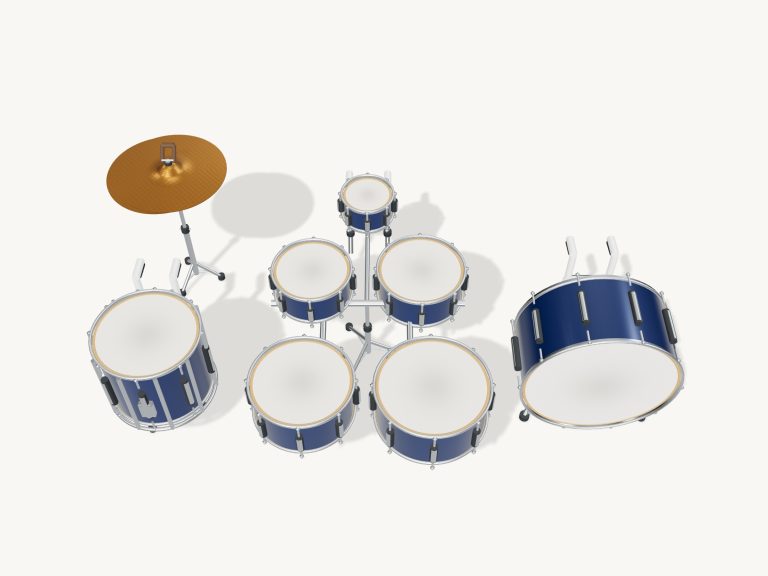
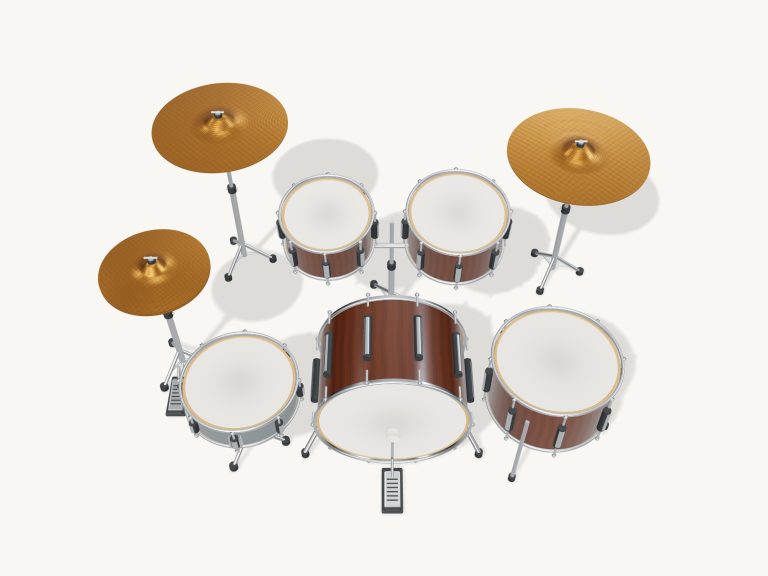
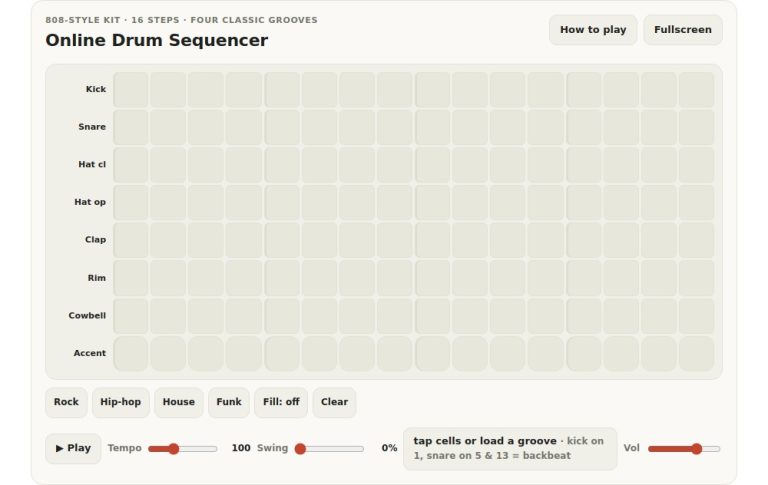
These online virtual air drums let you play a complete drum kit right inside your web browser. Better yet: you get to smack the drums themselves…in mid-air. It’s all based off a detailed 3D model of a drum kit that you can zoom and rotate around. And every hit sounds like the real thing because it’s recorded from real drums and cymbals.
To play them, you can just move your hands in front of your camera, use your computer keyboard, or tap the drum kit using either your fingers or mouse. You don’t need to install anything. Just raise, hit and discover your beat says the widget.
How to Play Virtual Air Drums
The sound button at the top reads Loading… while the kit get ready. Then there’s the Enable sound button at the top. While the kit is loading, it just says Loading… Once you begin playing, it says Sound on. Clicking it again toggles between Sound off and Sound on. Next to that are buttons for Fullscreen, for the settings and for the guide (a question mark).
When in fullscreen mode the drum kit fills the entire screen. The button says Exit in fullscreen, but you also return by pressing the Esc key.
Replacing the 3D kit is an image of eight rings labelled: Kick, Floor tom, Snare, Mid tom, High tom, Hi-hat, Ride and Crash. There are also two buttons at the top which replace the 3D kit with mouse air play and camera air play. Each ring has a dashed line running through the middle of them.
To play a drum you move down the ring just like bringing a stick down on a drum. As the ring sounds it will flash. The drum only sounds when you come down into the ring. If you don’t lift up first, no drum will be played. How hard the hit sounds depends on how quick you bring your stick down. You can play softly or more loudly depending on how fast you move the stick.
For camera air play, your browser first requests permission to access your camera. If you grant permission, the camera begins. Raise both hands, step back, and bring them down through the rings. Your palms are followed by green dots, showing you where your hands are. According to the help panel, your hands are tracked locally; no video is recorded or uploaded. A secure browser connection is required for Camera mode. If you deny permission, all of the pads and Mouse AirPlay continue to function.
Mouse air play uses the same downward gestures with your pointer: move down through a ring to strike, lift the pointer, and strike again. Bring your pointer down through a ring to strike, then lift it up and strike again.
To go back to the 3D kit, press ■ Stop or click on the same button again. The 3D kit’s head and cymbal parts is named and you can tap them too. Ten drum pads include Kick, Snare, Hi-hat, Open hat, Hat pedal, High tom, Mid tom, Floor tom, Crash, and Ride. A small display indicates your last hit, and several keys/fingers can be played at once. There are three distinct hi-hat sounds, with the closed hat cutting out an open hit that rings. For an open hit on the 3D hi-hat, you shift-click. To stop ringing cymbals, press the Choke button; to silence everything, press ■ Stop.
The kick is played with X or the Space bar on the keyboard; the snare with S. The closed hat is played with D, the open hat with E, and the hat pedal with R. The drum kit has a high tom with F, mid with G, and floor with H. Crash and ride is played with J and K respectively. Choke cymbals with C and stop all playing or exit fullscreen with Esc. An accent is held by pressing Shift on the key you wish to be accented. When you start playing from the keyboard, you first need to click inside the widget, as the drums are located in their own frame on the page.
The Groove menu includes options: Around the kit, Syncopated groove, Four on the floor, and First rock beat. Each groove has a series of buttons representing each step in the groove with coded letters such as H for hat, S for snare, and K for kick. Tap one of these beat buttons and it will play the entire combination. Click Listen and you can loop the groove and play along. There is also a Tempo slider from 40 to 200 BPM.
Grooves starts at their own tempos. Learn a groove by playing at your pace through two cycles of game mode. Green means play these drums now, while amber is the next cue. Sometimes you have to hit two drums together like Kick + Hat, either together or one after the other. Tap the green beat button to play that whole combination in one press. If you get wrong notes, it keeps your place. Pause saves your progress, and the restart arrow starts the game again. When you’ve finished you’ll see Groove complete! Game mode works in air play too, highlighting the rings you need.
In Playing & sound you find the Settings panel with Volume, Tuning (from four semitones down to four up) and Room (ambience). Pen pressure controls strength, too. The other thing is that the Touch buttons, Soft, Natural, Strong, determine how hard you press the keys or tap the pads. They not only change the level but the tone, because there are separate soft and hard versions of the kick, snare, toms and crash. You can even hide the names on the 3D kit. In your browser it will remember your volume, tuning and room settings.
Click Rotate 3D to turn it around. Drag in the empty space or on the shells to rotate them. Start a pinch zoom out from the heads. The heads continue to play, and Reset view returns you to the playing angle.
There are 16 real sample recordings used in the online virtual air drums. These include the kick, snare, toms, and crash, which have soft and hard samples. The ride and hi-hat each has a single sample for each way of playing those instruments. Menegass provided the drum kit samples and trivialAccapella contributed the ride. Both are available via Sonic Pi with a free CC0 licence.
The online virtual air drums begin with Mouse air play and practising a steady downwards stroke through the Kick ring then the Snare ring. Selecting First rock beat, reduce the tempo, click Listen and attempt to match the loop. Before switching the camera on.