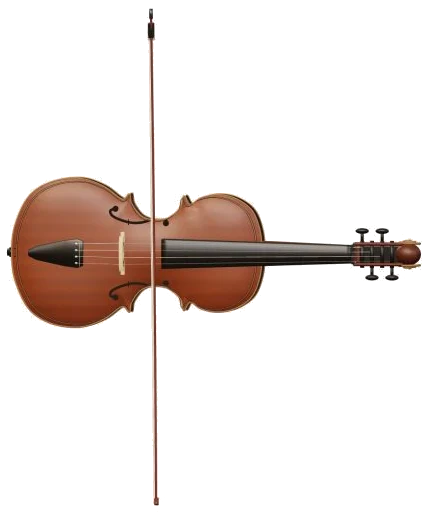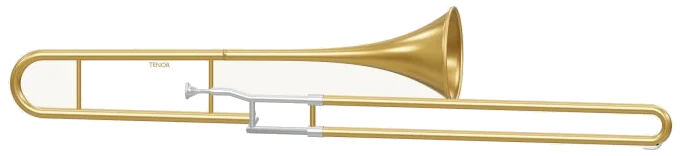
Play this online virtual trombone right inside your browser. It’s a tenor trombone with a telescopic slide which you can play!
Turn the trombone on screen. Zoom in and out of it. Move the outer slide in and out as you select the note you want to play. All notes are recorded from real trombones so you hear a true brass sound. No need for an account, plugin, or even a microphone. Just use your computer keyboard, a mouse, or your fingers if you have a tablet or phone.
How to Play the Virtual Trombone
There is no dedicated sound button. Tap a note to play appears on the bottom status line, and your initial note sets up the sounds before displaying Sound ready. A question mark at the top of the Trombone opens the sound credits and help. The full screen button puts the Trombone on your entire screen. Pressing Escape or clicking Exit full screen takes you back to the page. The Volume slider is in the bottom bar.
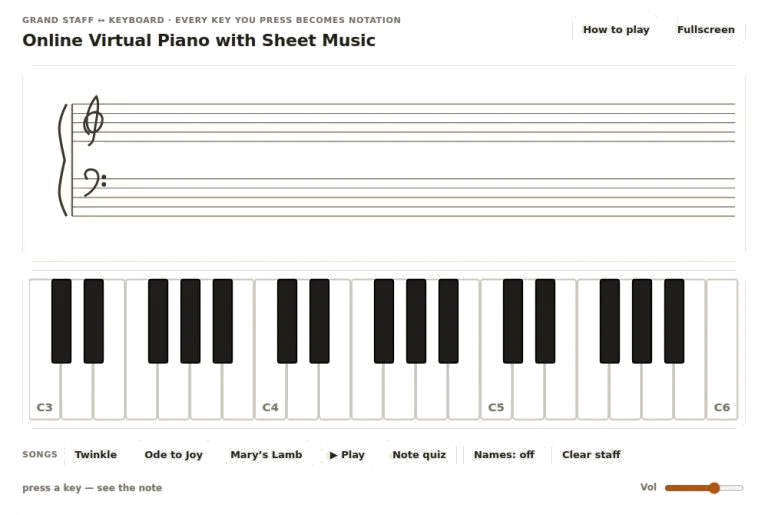
There are 33 notes covered by the note pads, including all of the semitones from E2 to C5 at concert pitch. In other words, when you see the name on the pad, that’s the note you will hear. You hold down a pad to sustain a note, and release to turn it off. If you want to move from one note to another, you can simply slide your mouse or finger across the pads.
The note name below the model indicates what note you are playing. The notes go from A for E2 up to W, S, E, D, F, T, G, Y, H, U, J, K on the computer keyboard. Then the keys go on to O, L, P, and;. Next are Z, X, C, V, B, N, M,,., and /. Finally, they go to the number keys from 1-6. The highest note is played by number 6, which is top C5. The letter of each note is written on the pad and each key is one semitone above the previous.
For long notes, you hold down a key, and to play the last note, you simply hit the Space bar. There is also a trombone in its own frame on the page. You click inside it before playing from the keyboard. Alternatively, you can choose to play via slide position.
There are eight harmonics available in the Slide harmonic menu: B♭2, F3, B♭3, D4, F4, A♭4, B♭4 and C5. The numbered buttons (1-7) represent the slide positions. Each button plays a semitone down from the previous one. So, for example, position 7 is six semitones below. If you select a harmonic from the menu then it will sound at the current position. If you play a note from the keyboard or pads then the position and menu buttons will update to display a harmonic and slide position that reaches your note. The slide on the 3D model will glide accordingly.
You can turn on Auto breath to keep the sound going without holding anything. While it’s on, every time you tap on a pad it’ll change the pitch of the note and continue carrying it on, so you can play a smooth melody just by tapping. Tap Auto breath again to stop it. The Breath slider sets how strongly you play. It’s louder and brighter if set high, and softer and mellower if set lower. It also applies even to a note that is already sounding.
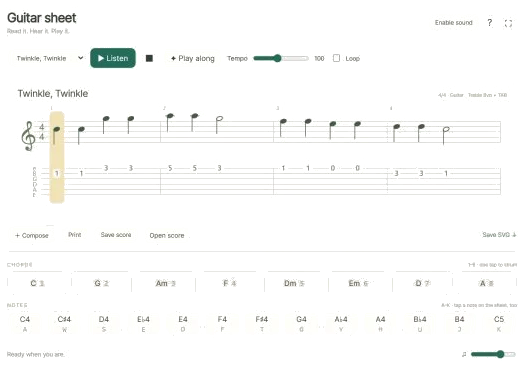
To play a song, you select it from the menu that appears above the pads (Twinkle, Twinkle; Morning steps; Ode to Joy). Clicking on Play song plays the tune. A button changes to Pause and then Resume. Tap ↻ to repeat the song in a loop. Tap the square ■ button to stop sound. The Tempo slider goes from 50 to 150. A strip above the pads shows the notes. A bar indicates how long each note lasts in beats. Tap on any note in the strip to hear it alone.
Click on Game if you want to learn the song for yourself. The pad you need turns green. The next pad turns amber. The NEXT and NOW strip marks them. The counter shows your progress. You can go as fast or slow as you like. Each time you get one right it moves straight to the next note, including repeated notes. If you press a wrong note, it shows you which green note to try next. Once complete, it tells you Complete!
Click 3D · Rotate to spin the trombone around for your inspection. Drag the background to spin it, scroll to zoom it, or use two fingers on a touchscreen to zoom and rotate it. Pressing any of the 3D trombones will play the selected note in that view; the ↺ button returns the camera to its starting position.
For beginners on trombone, select the B♭3 option in the Slide harmonic menu. Clicking position buttons 1 through 7 will move the slide and lower the note by a semitone each time. Selecting Twinkle, then clicking Play song will play it for you once before it’s your turn to try playing it using Game.