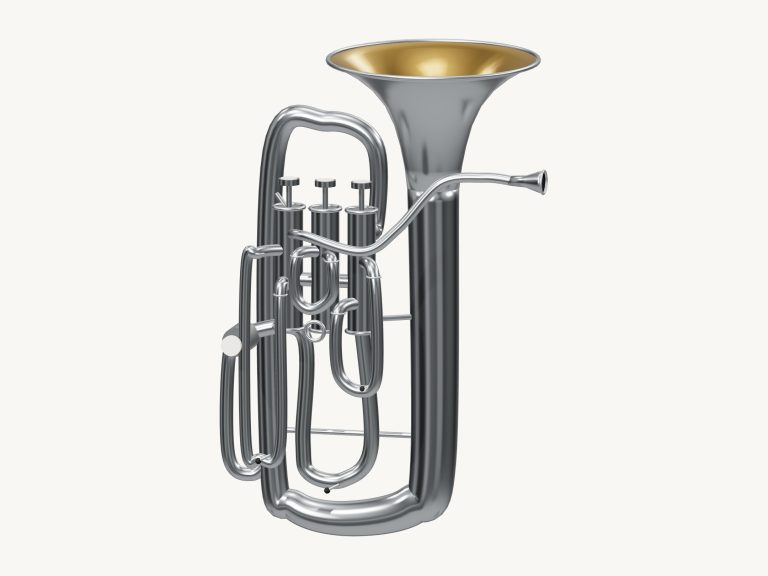
It’s an F/B♭ double horn with four rotors that you can play straight from your browser. It features a 3D model of the on-screen horn which you can zoom and turn. This model includes a flared bell, mouthpipe, four rotary casings and levers, paired valve slides, and a circular main coil.
All of the notes is taken from actual recordings of French horns, so what you’re hearing is authentic brass, not some synthesiser. There’s no need to sign up or install anything; just use your computer keyboard, your fingers on a tablet or phone, or even a mouse if you like, to play.
How to Play the French Horn
There is no individual sound button. At the bottom it says Tap a note to play. Your initial note sets up the sound and displays Sound ready. The Full screen button makes the horn your entire screen. Press Esc or click Exit full screen to return to the page.
The Volume slider appear in the bottom bar. A tap on the question mark at the top opens the sound credits and help. These note pads cover a range of 37 notes, including every semitone from C3 to C6. On the pads, you see the notes written on the horn. These notes sound one perfect fifth lower, which is why the full range sounds from F2 to F5.
If you hold a pad it will continue to play that note, letting go stops it. Slide your mouse or finger across the pads to move from one note to another. The note below the model always indicate the note being played. A starts at C3 and the notes ascend up the keyboard through W S E D F T G Y H U J to K (C4). From there they go O L P; and Z X C V B N M. The comma key is C5;, and / is next. Finally, they go through the number keys from 1 to 0, with 0 being the highest C6. Each key is a semitone higher than the previous one and each note has its letter written onto the pad of that key.
Pressing a key will sound the note for as long as you press it down. To play your last chosen note, just hold down the Space bar. The horn is pictured in its frame on the page. Click into this first and then play from the keyboard.
Auto breath… You don’t need to hold your hand down on any of the pads and it will sound continuously. The button says Auto breath: off and you can tap it to switch it on (the hint next to it describes what it does). As long as it’s switched on, every time you tap a pad it goes to the next note, no gap. Ideal if you want to play slowly and smooth. Tap Auto breath again to turn it off.
Use the breath slider to decide how hard you want to play. The lower end is softer/mellower. The higher end is louder and brighter, even if it already sounds that way.
The 3D horn is playable too. This has a thumb lever and three finger levers that are shortcuts to notes F4, E4, D4 and C4. Anywhere you touch on the horn will sound the last note you chose. When you play, the levers light up and move. As the help window explains, they are not a full fingering tutor, just little shortcuts to specific notes. Just use the pads when you wish for a certain pitch.
To play songs, go to the menu above the pads and select Twinkle, Ode to Joy or Morning steps. Then tap Play song. It will play. The button becomes Pause and then Resume. Tap the square ■ button to stop everything. Tap the ↻ button to repeat the song in a loop.
A Tempo slider goes from 50 to 150. Above the pads is a strip that shows you what’s next and how long each note lasts for. Tap a note in this strip to hear it alone.
Click Game if you want to learn the song for yourself. A counter tracks how far along in the song you are. The strip labels the pads NEXT and NOW. The pad you require will turn amber and then green. You can set the pace by repeating notes, which move the game on immediately every time they’re correctly pressed. When you do hit an incorrect note the guide will tell you what green note to try, and at the end it will say Complete! Click Game again to return to free play.
Click 3D · Rotate to look around the horn and follow its coiled tubing. Use your mouse to drag the background to turn, scroll to zoom, or rotate and zoom with two fingers if you have a touchscreen. In this view the touches on the horn will still play. The ↺ button resets the camera, and turning 3D · Rotate off switches back to the original view of the horn.
These are recorded French horn section samples so you hear a group of horns not just one solo player.
For those unfamiliar with the horn, begin with Auto breath and tap on the pads from C4 through to G4 to familiarize yourself with the middle part of the range. Select Ode to Joy, then press Play song to listen to it first, before playing along in Game with the Tempo slider turned down.
You should of used the pads to practice more. It’s more comfortabley to play when you know the notes. This moddern horn is great. Actually, it’s naturaly easy to use. Just make sure you recieve the right sound. The luxuruis feel is there. The notes is great. The piano sits in the corner. Use a armchair if you want. The tables is heavy. The music sounds better then before. The song is more better.