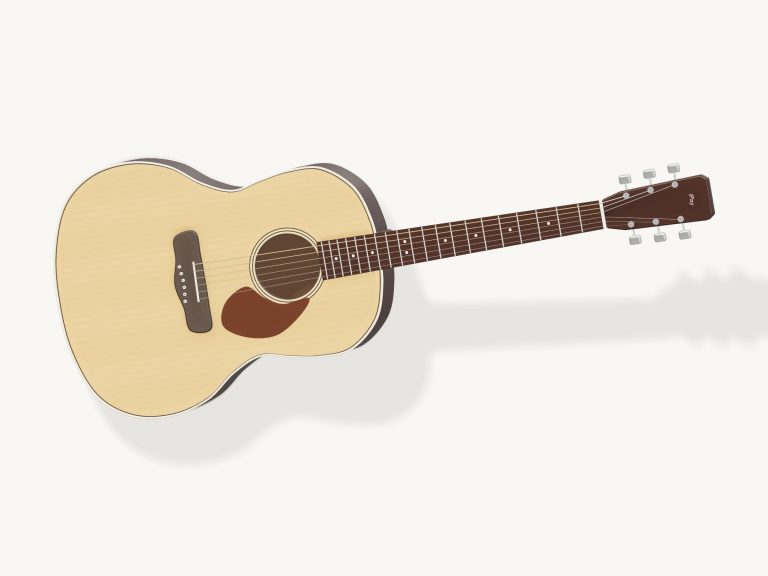
This is a real virtual online guitar tuner. This is an online virtual guitar tuner that lets you tune an actual guitar directly from your browser. Using your device’s microphone, it listens to you play your guitar and displays whether each note is sharp, flat, or in tune, one string at a time. It will also allow you to play a clear reference note for each string, both as a pure tone and as a real recorded guitar pluck. A virtual string is available too, including a practice mode.
You do not need to install anything. Works with your computer keyboard, with your finger(s) on a tablet/phone or with a mouse. Click the Start microphone button to begin. Your browser will ask for permission, which you select by hitting Allow. The button turns into Stop microphone and the tuner moves into live microphone mode. It’s listening locally, as the status line confirms, and analysing your microphone audio on your own device, it never gets uploaded.
How to Use This Online Guitar Tuner
The Enable sound toggle at the top turns on the reference sounds, and the question mark opens a brief help guide. Hit the fullscreen button and it fills the screen, and you hit it again to return.
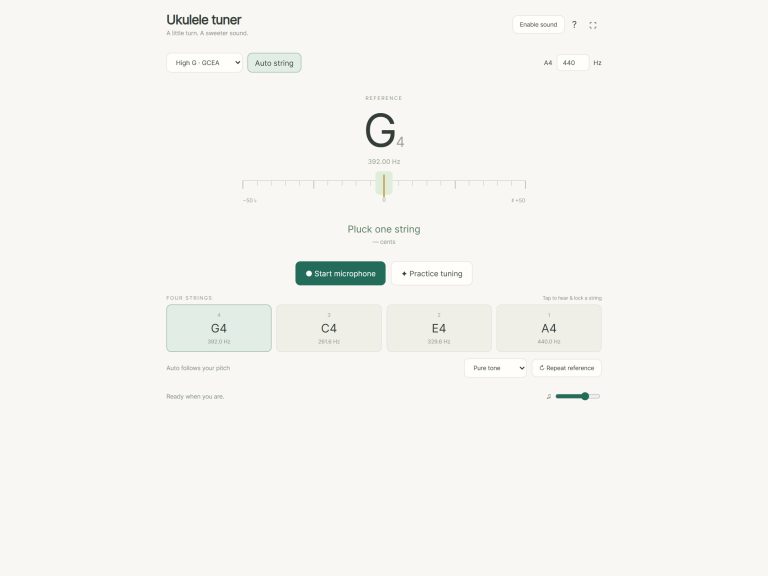
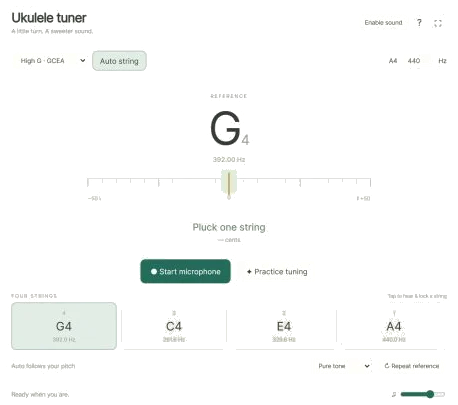
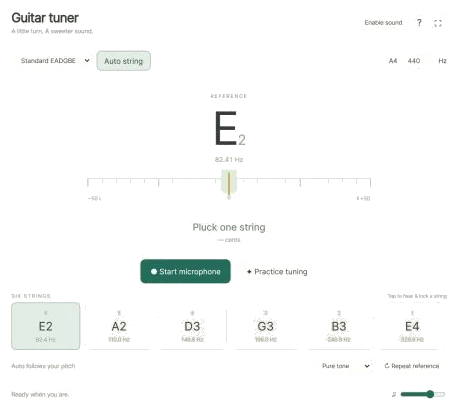
You put the microphone on and then pluck each of your strings, allowing them to ring. It displays the target note (with octave) on the big display. It also displays the frequency that the tuner hears expressed in hertz. Below this, a meter swings from −50 to +50 cents (left is flat, right is sharp), and a needle indicates by how much you’re out. The exact number is shown as a cents reading. Below the meter is the message that tells you what to do. Tighten ↑ means the string is flat, so you need to tighten it to raise the pitch. Loosen ↓ means the string is sharp, so you loosen it. The needle turns green when you’re within ±3 cents of the target, and the message reads In tune ✓. Otherwise, if it can’t hear a clear note, it just asks you to pluck one string.
There are five tunings available from the Tuning menu: Standard EADGBE, Drop D, DADGAD, Open G and Half step down. Below the meter, there are six string buttons. They display the string number, its note name, and the desired frequency for the selected tuning. The tuner will choose the closest string to tune in your chosen tuning if you have Auto string switched on (which it is by default). This means you can tune your strings in whatever order you prefer. To tune one specific string just tap on the button of that string if you prefer. It will then lock the tuner onto this string and play its reference note too. You can see what note you’re locked to from the label below, and tap Auto string again to revert back to automatic.
When the tuner is playing a reference note it will pause briefly while listening so it doesn’t attempt to tune itself on its own speaker. There are two sounds in the reference menu. One is an exact pitch calibrated to a pure tone, and the other is a guitar pluck, which is a real recording of a guitar string being plucked. If you want your hands free while turning the tuning pegs, you can switch on Repeat reference and it will continue playing the reference note every few seconds. There’s also a volume slider at the bottom to control how loud the reference sounds.
Concert pitch is set by the A4 box which begins at 440 Hz. You can then adjust the A4 box to any frequency between 432. 446 Hz if you are playing alongside other players whose pitch might be slightly different. All of the target frequencies will update to match.
Keyboard shortcuts also exist. To select a string, press the corresponding number key from 1-6 (string six is the lowest and string one is the highest). Press Escape to pause the reference sound and the microphone. You first need to click within the frame containing the tuner before using the keyboard.
Clicking on Practice tuning explains what tuning is but doesn’t require that you touch an actual guitar. Instead it swaps the display to read PRACTICE · virtual string and adds a virtual tuning peg (slider) from sharp to flat. Move the peg until the needle sits in the centre. Click Hear string at any time to hear the string. Then click Check ✓. If you’re slightly out you get a hint telling you to go a little tighter or loosen up a little. Repeat for each of the six strings. Once complete the practice will say Well done and show a Complete ✓.
This on-line virtual guitar tuner features a real recording of nylon strings from Roberto’s FreePats collection of Spanish Classical Guitars (CC0) for the plucked guitar reference tone. It also includes pure tones based on sine wave calculations. Practice mode and the reference tones work without use of the microphone if that option is declined.
If you’ve never tuned a guitar before, you should start with the online virtual guitar tuner with the thickest string (Standard EADGBE) set to its normal pitch. Slowly turn the peg while the string rings then stop when the needle goes into the green area.